



The Amazon Fire TV Stick connects to your TV’s HDMI port and turns it into a smart streaming setup. It uses Fire OS to run apps from the Amazon Appstore. You control it with Alexa voice commands for searches, app launches, and playback. Free content arrives through ad-supported apps and built-in live TV features. This guide lists legal options available in 2026, mainly in the US, with some access in other regions like the UK and Canada. Content and availability shift by location.
What Is the Amazon Fire TV Stick?
This compact streaming stick plugs directly into your TV. After setup, it provides access to thousands of apps. Many deliver free movies, TV shows, live news, sports, and entertainment with ads. The device supports 4K on higher models and integrates live channels into a guide for easy browsing.


Setting Up Your Fire TV Stick
Plug the stick into an HDMI port and connect power. Choose your language, join Wi-Fi, and sign in with an Amazon account. The home screen displays apps, recommendations, and a Live tab. Keep software updated for new features and channels.
Free Channels and Apps on Fire TV Stick
Ad-supported apps offer movies, series, and live streams without subscriptions. Many integrate into the Fire TV live guide. The Fire TV Channels app acts as a central hub for hundreds of free live options. Apps install from the Appstore—search and download.
Top Official Free Streaming Apps
Install these directly from the Amazon Appstore.
Tubi
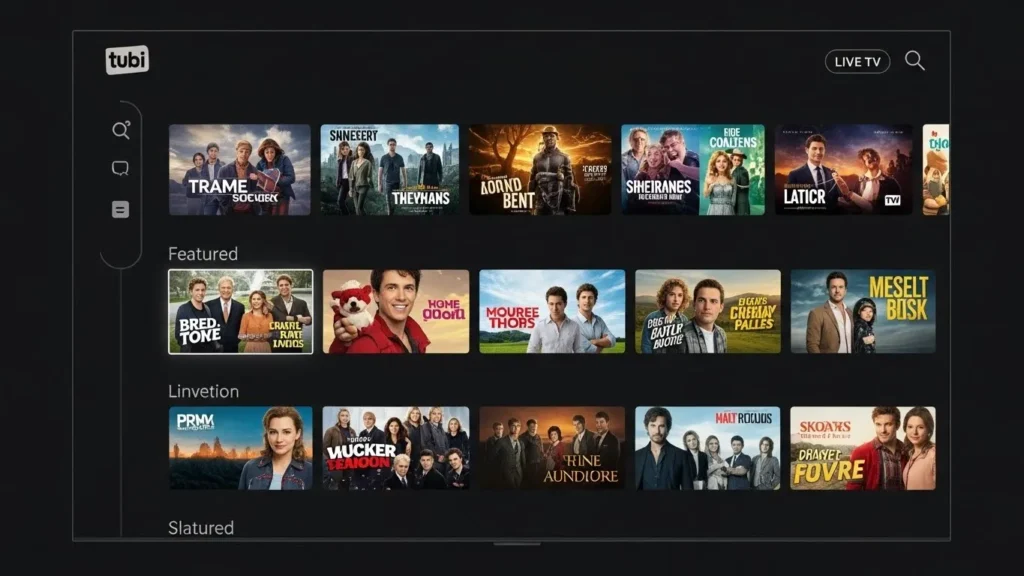
Tubi holds a large library of movies and TV shows in genres like action, comedy, drama, and family. It features live channels in areas such as news, horror, kids, and crime from sources like FOX and NBC. No subscription needed. A free account saves your watch history if you create one.
For a complete list of Tubi channels, visit our guide: Tubi TV Channels
Pluto TV
Pluto TV blends live channels with on-demand movies and shows. It covers news, sports, entertainment, and lifestyle with hundreds of 24/7 streams. No sign-in required to watch. Paramount owns it, so expect reliable updates.
Check out our detailed channel list: Pluto TV Channel List
Xumo Play
Xumo Play delivers over 150 live channels plus on-demand titles. Categories include news, sports, kids, and general entertainment. Free with ads and no registration needed.
Amazon Free Content in Prime Video
Amazon phased out the separate Freevee brand. Free ad-supported movies, shows, and live channels now live inside the Prime Video app. No Prime membership required. Browse the “Free with ads” or Live section for options including news, sports, and originals.
For a comprehensive list of Freevee channels, see: Amazon Freevee Channels List
The Roku Channel
The Roku Channel works on Fire TV Stick in supported areas (US, UK, Mexico, Canada). It offers free live TV, movies, shows, and originals. Recent updates integrated 50 Roku channels into Fire TV’s live guide for direct access without opening the app separately.
Search “The Roku Channel” in the Appstore to install.
For more on Roku channels, check: Roku Channels List
Other Free Options
- Plex: Free live channels, on-demand content, and personal media playback.
- Crackle: Movies and series with ads from Sony.
- Sling Freestream: Free live TV and on-demand from Sling sources. See our guide for more: Sling Freestream Channels List
Fire TV Channels App
Pre-installed or easy to download, this app collects free live TV from many providers. It organizes hundreds of channels by category. Use Alexa: say “Play Fire TV Channels” or “Open Fire TV Channels.”
Popular categories and examples (availability varies by region; new ones added often):
- News: ABC News Live, CBS News 24/7, NBC News NOW, FOX Weather, Bloomberg TV
- Sports: CBS Sports HQ, PGA Tour, MLB channels, NBA content, SportsGrid
- Entertainment: ION, TMZ, People TV, Comedy Dynamics
- Cooking: Tastemade, Martha Stewart
- Kids: PBS Kids, Moonbug Kids
- Local: Varies (e.g., ABC7 New York, CBS2 Los Angeles)
How to Access Free Channels
- Install Apps Go to Find > Search on the home screen. Type the app name and download.
- Prime Video Free Section Launch Prime Video. Check the free with ads or Live area.
- Fire TV Channels Open from the home screen or Live tab. Browse and select.
Tips for Better Free Streaming
- Pin apps to the home screen for fast access.
- Check apps and the Live tab regularly—channels and titles update often.
- Consider a VPN for privacy (always follow app rules).
- Explore the redesigned Fire TV interface for better organization of free content.
For comparison, check out free channels on other devices like Roku or Google TV: Google TV Free Channels List
Conclusion
In 2026, the Fire TV Stick provides extensive free viewing through apps like Tubi, Pluto TV, Xumo Play, and integrated Prime Video content. The Fire TV Channels hub and Roku additions expand live options for news, sports, movies, and more—all ad-supported and no-cost. Install what interests you and browse to find matches for your viewing habits.
For additional streaming options, consider checking out our guides on other platforms like Samsung TV Plus Channels or Vizio TV Channels.



