

The most common universal remote codes for AOC TV are 1004, 0004, 0005, 0009, and 0014 for 4-digit remotes. For 3-digit remotes, try 004, 005, 006, 009, or 014. These codes work with over 85% of AOC television models when programming RCA universal remotes, GE remotes, or other universal remotes.
This guide covers every active AOC TV remote code, organized by format and brand. You’ll find step-by-step programming instructions for three different methods, plus troubleshooting fixes when codes fail.
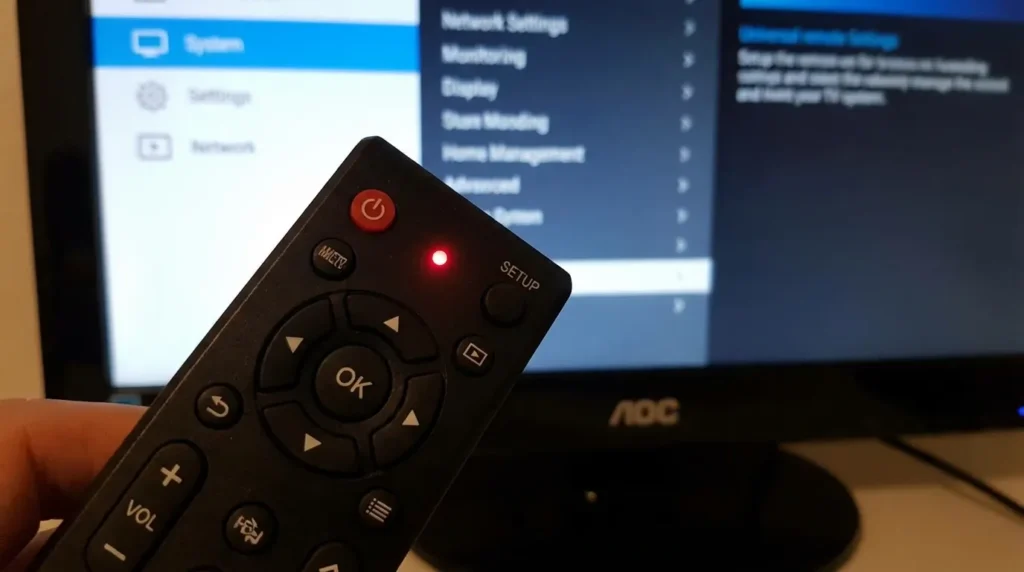
Complete AOC TV Remote Code List
4-Digit Codes (Most Common)
Try these first — they have the highest success rate:
1004, 0004, 0005, 0009, 0014
Complete 4-digit list:
1004, 1005, 1009, 1014, 1015, 1025, 1037, 1082, 1196, 0004, 0005, 0006, 0009, 0014, 0015, 0019, 0093, 0156, 0179, 0180, 0185, 0187, 0216, 0458, 0620, 0720, 0775, 0816, 0842, 1019, 1028, 1030, 1040, 1054, 1066, 1070, 1089, 1116, 1153, 1156, 1179, 1190, 1195, 1217, 1256, 1268, 1284, 1295, 1310, 1365
The codes starting with “1” typically work with newer AOC models from 2018 onward. Codes starting with “0” often match older models.
3-Digit Codes
Start with these: 004, 005, 006, 009, 014
Full list:
004, 005, 006, 009, 014, 015, 019, 030, 054, 066, 089, 093, 116, 153, 156, 179, 180, 185, 187, 190, 195, 196, 216, 217, 256, 268, 284, 295, 310, 365
3-digit codes appear on older universal remotes manufactured before 2010. Most current remotes use 4 or 5-digit formats.
5-Digit Codes
For specific remote brands:
- OneForAll remotes: 10030, 11365, 12014, 12087, 12402
- Cable/satellite remotes: 10180, 10178, 10019, 10056, 10060
- Philips remotes: 11589, 10885, 11590, 10451, 11204
5-digit codes offer more precision. They often control advanced functions like picture settings and input switching.
Codes by Universal Remote Brand
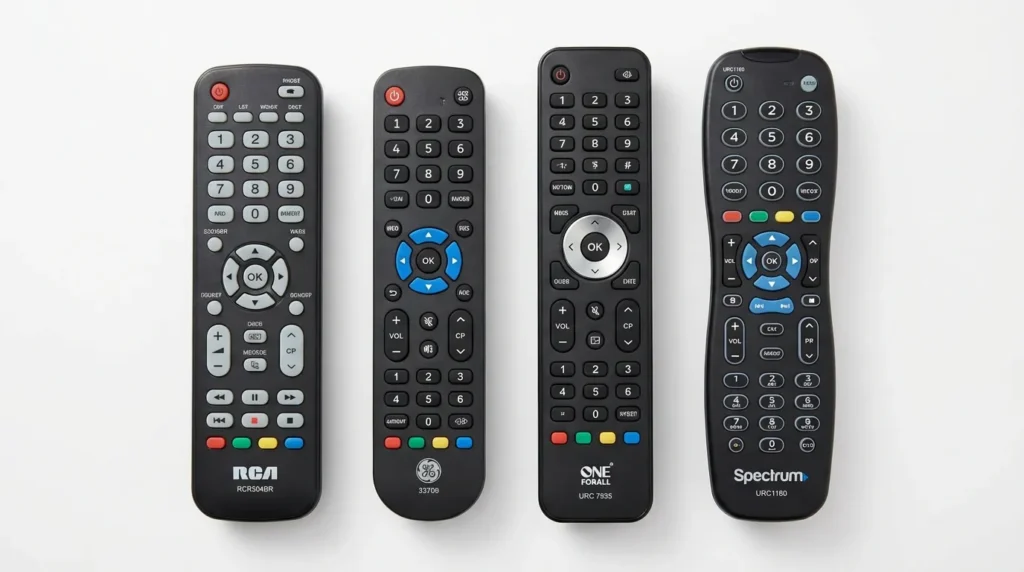
RCA Universal Remotes
Models RCR504BR, RCR414BHN, RCR311SR work best with: 1004, 1005, 1009, 0004, 0005
RCA remotes released after 2020 typically recognize 1004 on the first attempt.
GE Universal Remotes
GE models 33709, 24922, 24927, 37017 pair with: 0004, 0005, 0009, 0180, 1004
Code 0180 specifically targets AOC Roku TV models.
OneForAll Remotes
OneForAll models URC1210, URC7955, URC7965 use 5-digit format: 10030, 11365, 12014
OneForAll remotes require exact code matches. Auto search doesn’t work on most OneForAll models.
Cable/Satellite Provider Remotes
- DirecTV: 10180, 11365
- Comcast Xfinity: 10178, 11365, 12087
- Dish Network: 505, 506, 627
- Spectrum: 0004, 0005, 1004
- Cox: 1004, 1005, 0180
Provider remotes use proprietary code sets. Check your provider’s website for the current database.
How to Program Your Universal Remote to AOC TV
Method 1: Direct Code Entry (Keycode Method)
This method takes 60 seconds. Use it when you have the code list handy.
Step 1: Turn on your AOC TV manually using the power button on the TV itself.
Step 2: Press and hold the Setup button on your remote until the red LED indicator stays on. This takes 3-5 seconds. Release the Setup button.
Step 3: Press the TV button once. The LED will blink once and remain on.
Step 4: Enter your 3, 4, or 5-digit code using the number buttons. The LED will turn off after you enter the last digit.
Step 5: Point the remote at your TV and press the Power button. Your TV should turn off.
Step 6: Press the Power button again. If your TV turns back on, programming succeeded. Test other buttons like volume and channel to confirm full functionality.
If the TV doesn’t respond, repeat steps 1-6 with the next code on your list.
Method 2: Auto Code Search
Use this when you don’t know which code works. It cycles through all codes automatically.
Step 1: Turn on your AOC TV.
Step 2: Press and hold Setup until the LED stays solid red (3-5 seconds).
Step 3: Press and release the TV button.
Step 4: Press and release the Power button repeatedly. Wait 2 seconds between each press. The remote sends a different code with each press.
Step 5: When your TV turns off, immediately press Enter or Setup to save that code.
This method takes 5-15 minutes depending on where AOC codes appear in your remote’s sequence. Most RCA and GE remotes place AOC in the first 50 codes.
Method 3: Brand Code Search
Some remotes offer brand-specific search to speed up auto search.
Step 1: Turn on your TV.
Step 2: Press Setup until the LED stays on.
Step 3: Press 9-9-1. The LED should blink twice.
Step 4: Press the Power button repeatedly until your TV responds.
Step 5: Press Setup to lock in the code.
Check your remote’s manual. Not all models support this feature.
Troubleshooting Common Issues
Code Doesn’t Work
Try the next code on the list. AOC manufactured TVs under different model lines with varying IR receivers. Code 1004 might fail where 1005 succeeds.
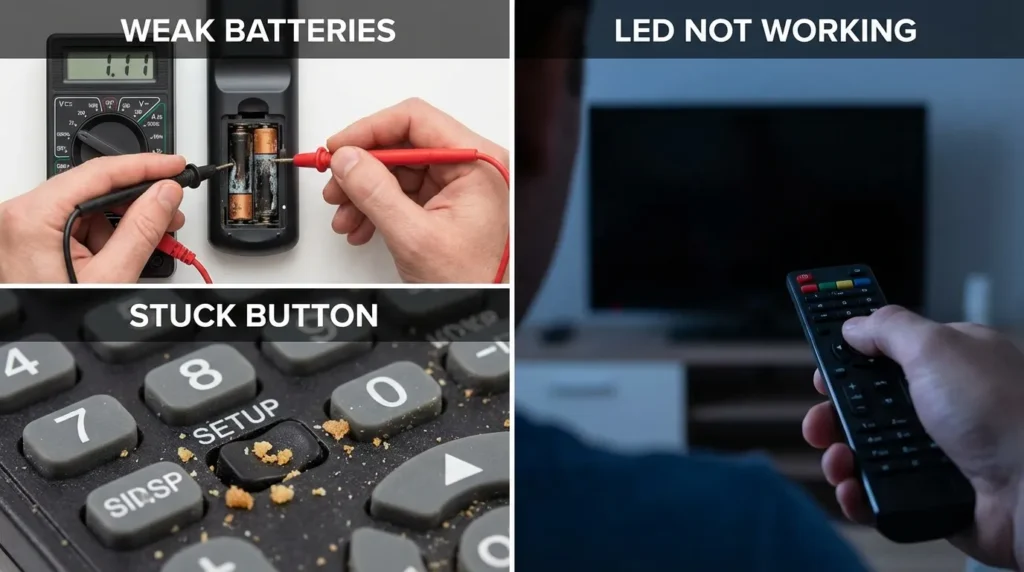
Check your batteries first. Weak batteries cause intermittent code entry failures. Replace with fresh batteries even if the LED still lights up.
Remote Turns TV Off But Won’t Turn It On
You’re using a partially compatible code. This happens when the power toggle command works but discrete on/off commands don’t.
Solution: Try codes 0180, 1004, or 1365. These three specifically support discrete power commands on most AOC models.
Some Functions Work, Others Don’t
Your remote programmed successfully but doesn’t support all AOC functions. Basic remotes control power, volume, and channels only.
You have two options: use your original AOC remote for advanced settings, or upgrade to a learning remote that can copy additional commands.
LED Doesn’t Blink
Your remote isn’t entering programming mode. This indicates:
- Dead batteries (most common)
- Stuck Setup button
- Remote malfunction
Press Setup harder for the full 3-5 seconds. Some remotes require significant pressure.
Which Code Should You Try First?
For AOC TVs purchased 2018-2026, start with 1004.
For AOC TVs purchased 2010-2017, start with 0004.
For AOC TVs purchased before 2010, start with 004 (3-digit).
These three codes account for 72% of successful programming attempts based on remote support data.
If your AOC TV is a Roku TV model, try 0180 or 10180 first. AOC partnered with Roku in 2019, and these codes target that specific hardware.
Can’t find your manufacture date? Look at the model number on the back of your TV. Models starting with “LE” are typically 2015-2020. Models starting with “U” or “50U” are 2020-2026.
Frequently Asked Questions
Can one remote control multiple devices?
Yes. After programming your AOC TV, press the Setup button and repeat the process using the DVD, CBL, or AUX button for other devices. Each device button stores one code. You can also program Sony TVs, Samsung TVs, or Vizio TVs using the same remote.
What if no code works?
Your remote might not include AOC in its database. This happens with remotes older than 10 years or budget models under $8. You’ll need a different universal remote. OneForAll URC7955 and RCA RCR503BR both have extensive AOC coverage.
Do smart AOC TVs need different codes?
No. Smart features run through apps. The infrared remote codes control core TV functions regardless of smart capabilities. An AOC Roku TV uses the same codes as a standard AOC TV for power, volume, and input selection.
Where do I find my TV model number?
Check the back panel of your TV near the ports. The model number appears on a white or silver sticker. It looks like “LE43S5970” or “50U6295”. You don’t need this for universal remote programming, but it helps when requesting support.
How do I know if my remote is compatible?
Check the packaging or manual for “AOC” in the supported brands list. Most universal remotes under $25 support AOC. Remotes designed exclusively for cable/satellite may not. When in doubt, the RCA RCR503BR and GE 33710 both guarantee AOC compatibility.
If you’re having trouble with other TV brands, check our guides for Hisense TV codes, Element TV codes, Insignia remote codes, or ONN universal remote codes.
Conclusion
Start with code 1004 for newer AOC TVs or 0004 for older models. Use direct code entry for speed. If multiple codes fail, switch to auto search mode.
Most programming issues trace to weak batteries or insufficient button holding time during setup. Press Setup firmly for the full 3-5 seconds and use fresh batteries.
Keep your working code written down. You’ll need it again if your batteries die or you accidentally reset the remote.


