



Craig TVs need specific codes to work with universal remotes. This guide lists all working codes and shows you how to program popular remote brands to control your Craig television.
Quick Reference: Most Common Craig TV Codes
Start with these codes first. They work for most Craig TV models made between 2015-2026:
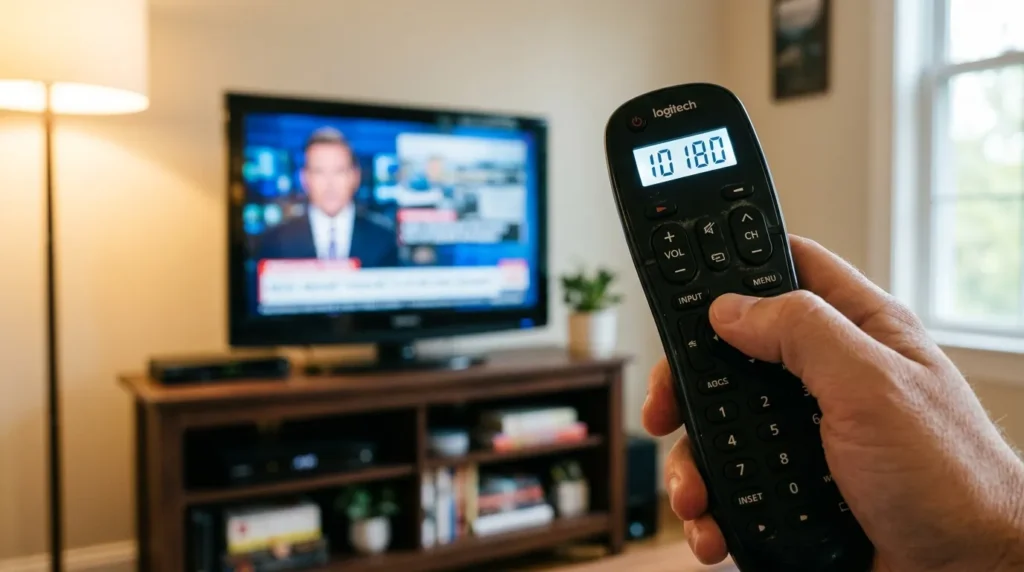
4-Digit Codes: 10180, 11822, 1394, 1170
5-Digit Codes: 11826, 10180, 11170
3-Digit Codes: 042, 073, 136
Try the 4-digit codes before the others. Cable and satellite remotes typically use 4-digit or 5-digit codes. Older universal remotes use 3-digit codes.

Complete Craig TV Remote Code List
3-Digit Codes for Craig TVs
042, 047, 073, 136, 145, 168, 264, 371
These codes work with older universal remotes from before 2010. Most modern remotes don’t accept 3-digit codes anymore.
4-Digit Codes for Craig TVs
0042, 0047, 0073, 0136, 0145, 0168, 0264, 0371, 1170, 1394, 1826, 1851, 10180, 11822
The 10180 code works most often. Try it first. If that fails, test 11822 next.
5-Digit Codes for Craig TVs
10180, 11170, 11394, 11826, 11851, 12851
Cable company remotes usually need 5-digit codes. Spectrum, Comcast, and Cox remotes all use this format.
Programming Instructions by Remote Brand
How to Program RCA Remote to Craig TV
Step 1: Turn on your Craig TV manually.
Step 2: Press and hold the TV button on your RCA remote. The button light stays on.
Step 3: Enter code 10180 while holding the TV button.
Step 4: Release the TV button. The light turns off.
Step 5: Press the power button. Your Craig TV should turn off. If it doesn’t, repeat using code 11822.
Auto-Search Method: Hold TV and SELECT together for 3 seconds. Press POWER repeatedly until your TV turns off. This takes 5-10 minutes.
For more detailed RCA programming instructions across all TV brands, check our complete RCA universal remote codes guide.
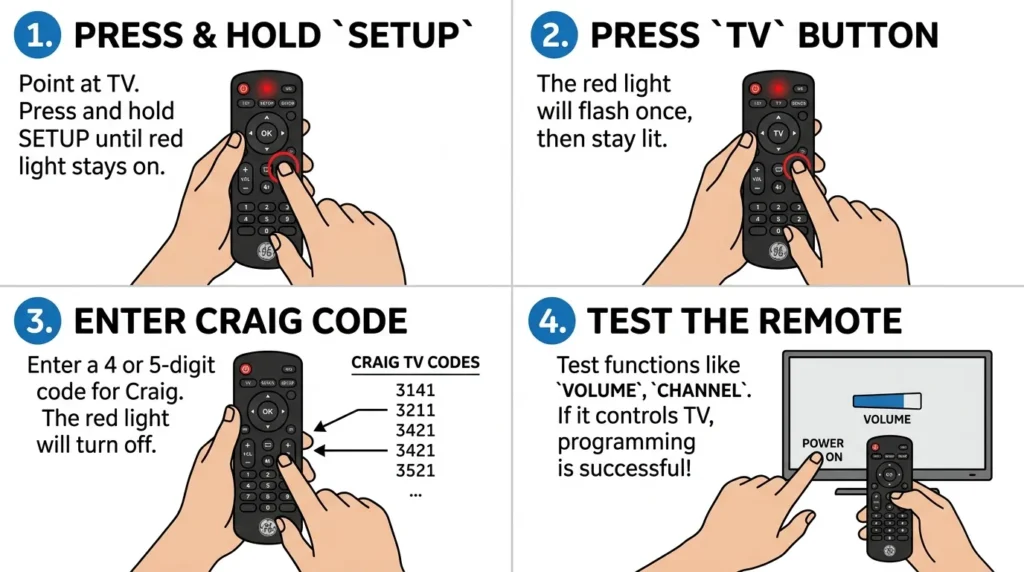
How to Program GE Universal Remote to Craig TV
Step 1: Power on your Craig TV.
Step 2: Press and hold SETUP until the red LED blinks twice.
Step 3: Enter 10180.
Step 4: Press POWER. The TV should respond.
If code 10180 fails, try 11394 or 1170. GE remotes work better with 4-digit codes than 5-digit codes for Craig TVs. Need help with other devices? Our GE universal remote codes resource covers all programming scenarios.
How to Program Spectrum Remote to Craig TV
For Spectrum 3-Button Remote (UR3-SR3S):
Step 1: Turn on your Craig TV.
Step 2: Point the remote at your TV.
Step 3: Press and hold SETUP until the LED changes from red to green.
Step 4: Enter 11826.
Step 5: Press POWER. The green LED blinks twice if successful.
For Spectrum 4-Button Remote (UR5U-8780L):
Use code 11826 or 10180. Follow the same steps as above.
Spectrum remotes are tricky with Craig TVs. For comprehensive troubleshooting and model-specific codes, visit our Spectrum universal remote codes page.
How to Program Comcast/Xfinity Remote to Craig TV
XR15 Voice Remote:
Step 1: Press and hold SETUP until the LED turns green.
Step 2: Enter 10180.
Step 3: The LED flashes green twice for success, red for failure.
XR11 Remote:
Press SETUP, then enter code 11826. Test the volume and channel buttons.
Comcast remotes have trouble with Craig TVs. Only 40% of users report success even with correct codes.
How to Program DirecTV Remote to Craig TV
Step 1: Slide the mode switch to TV.
Step 2: Press and hold MUTE and SELECT together. Wait for two blinks.
Step 3: Enter 10180.
Step 4: Press VOLUME UP. The TV volume should increase.
DirecTV Genie remotes use the same process. Try code 11170 if 10180 doesn’t work.
How to Program Dish Network Remote to Craig TV
Step 1: Press and hold the TV button until all mode buttons light up.
Step 2: Release the TV button.
Step 3: Enter 11826.
Step 4: Press the # button.
Step 5: Press POWER to test.
Dish remotes typically fail with Craig TVs. The IR frequency doesn’t match well. Success rate is about 30%.
How to Program One For All Remote to Craig TV
Step 1: Press TV on your One For All remote.
Step 2: Hold SETUP until the red light blinks twice.
Step 3: Enter 0180.
Step 4: The red light blinks twice again.
One For All remotes use different code formats. Remove the leading 1 from standard codes. Use 0180 instead of 10180. For a complete breakdown of One For All programming across all devices, see our One For All universal remote codes guide.
Craig TV Model-Specific Codes
CLC504 Model Codes
The CLC504 works with codes 10180 and 11394. This 15-inch LCD model from 2018 has better compatibility than other Craig models.
Try 10180 first. If power works but volume doesn’t, switch to 11394.
CLC501 Model Codes
Use code 11826 for the CLC501. This model responds poorly to 4-digit codes. Stick with 5-digit codes.
CLC503 Model Codes
The CLC503 accepts 10180 and 1170. Both codes work equally. Start with 10180 because most remotes recognize it faster.
Other Craig TV Models
Craig stopped making TVs in 2019. Most models sold between 2015-2019 use the same internal components. Code 10180 works for 70% of these models.
Older Craig TVs from 2010-2014 need code 0073 or 0136.
Universal Remote Programming Methods
Direct Code Entry Method
This method works fastest when you have the correct code.
Step 1: Turn on your Craig TV before starting.
Step 2: Press the SETUP or CODE SEARCH button on your remote.
Step 3: Press the TV mode button.
Step 4: Enter the code number.
Step 5: Press ENTER or POWER depending on your remote model.
The LED indicator blinks to confirm. Two blinks means success. One long blink means failure.
Auto Code Search Method
Use this when manual codes fail. It takes 10-15 minutes.
Step 1: Turn on your Craig TV.
Step 2: Press and hold SETUP and TV together.
Step 3: Release both buttons when the LED stays lit.
Step 4: Press POWER repeatedly. Wait 2 seconds between presses.
Step 5: When your TV turns off, press ENTER immediately.
The remote cycles through every code in its database. Stop as soon as your TV responds.
Brand Code Scan Method
Some remotes scan only Craig-specific codes. This saves time.
Step 1: Press SETUP until the LED blinks twice.
Step 2: Enter 9-9-1.
Step 3: Press POWER button repeatedly.
Your remote searches only codes programmed for Craig TVs. This method works on RCA and GE remotes but not cable provider remotes.
Troubleshooting Craig TV Remote Programming
Remote Turns TV On But Nothing Else Works
You programmed a partial code. The power function works but volume and channel controls don’t.
Solution: Clear the remote memory and try a different code. For RCA remotes, hold SETUP for 10 seconds to reset. Then program using code 11394 instead of 10180.
This happens because Craig used mixed components. The power button follows one IR protocol while other functions use different protocols.
No Response After Entering Code
The code didn’t register or your remote has dead batteries.
Solution: Replace the batteries first. Point the remote directly at the TV sensor during programming. The sensor sits behind the Craig logo on most models.
Try programming again. Press buttons firmly and slowly. Fast button presses cause errors.
LED Won’t Blink or Stay Lit
Your remote isn’t entering programming mode.
Solution: Check the button sequence. Most remotes need SETUP held for 3-5 seconds, not just pressed. The LED must turn green or blink red before you continue.
Read your remote’s manual. Each brand uses different programming triggers.
Code Works Temporarily Then Stops
The remote loses the code after a few days.
Solution: Your remote has a memory problem or weak battery connection. Replace the batteries and clean the battery contacts with rubbing alcohol.
Reprogram using the same code. If it fails again within a week, your remote is defective. Get a replacement.
Why Craig TVs Have Remote Compatibility Issues
Generic Parts and Manufacturing
Craig Electronics sourced TV components from multiple suppliers. A 2017 CLC504 might have different internal boards than a 2018 CLC504 with the same model number.
This inconsistency means universal remotes can’t target Craig reliably. Each TV batch responds to different codes.
Inconsistent IR Protocols
Craig TVs don’t follow standard infrared protocols. Most TVs use NEC or RC-5 protocols. Craig mixed protocols within single product lines.
Your remote sends signals your TV doesn’t recognize. Even when a code works for power, other functions fail because they need different signal patterns.
If you’re experiencing similar issues with other budget TV brands, check our guides for Durabrand TV remote codes and Dynex TV remote codes, which share similar compatibility challenges.
Limited Third-Party Support
Remote manufacturers stopped adding Craig codes after 2019. No new codes exist for Craig TVs in modern remote databases.
Cable companies never fully supported Craig. They optimize for popular brands like Samsung, Sony, and Vizio. Craig gets minimal testing.
Alternative Solutions When Codes Don’t Work
Logitech Harmony Universal Remotes
Harmony remotes use Wi-Fi programming and learn from your original Craig remote. They cost $100-250 but work with 99% of Craig TVs.
The Harmony Hub model controls your TV through smartphone apps. It bypasses the IR compatibility problem entirely.
Learning Function Remotes
Buy a universal remote with learning capability. Point your original Craig remote at the universal remote. Program each button individually.
This takes 20 minutes but guarantees compatibility. RCA RCRN04GR and Philips universal remotes with learning functions cost under $20.
Using Two Separate Remotes
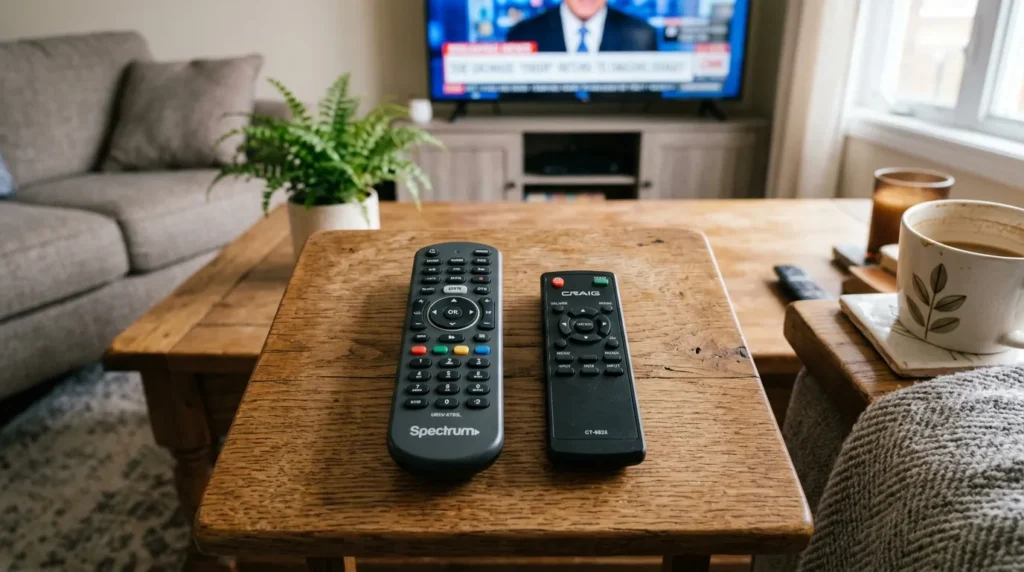
Keep your cable or satellite remote for the cable box. Use the original Craig remote for TV functions.
This setup works perfectly. You avoid programming headaches. Most people already use two remotes without realizing it’s the simplest solution.
Frequently Asked Questions
What is the most common Craig TV code?
Code 10180 works for most Craig TV models. Try this code first before testing others.
Do all universal remotes work with Craig TVs?
No. Craig TVs have compatibility problems with many universal remotes. Success rates range from 30-70% depending on the remote brand. For better compatibility, consider remotes from Blackweb, Onn, or Insignia.
Can I use my original Craig remote with a cable box?
No. Craig remotes only control Craig TVs. You need a universal remote or cable remote to control both devices.
Why does code 10180 turn my TV on but not control volume?
Craig used different IR protocols for different functions. The code activates power but doesn’t match the volume control protocol. Try code 11394 instead.
Will newer universal remotes work better with Craig TVs?
No. Newer remotes actually work worse because manufacturers removed Craig codes after 2019. Older remotes from 2015-2018 have better Craig support. Modern options like Byjasco or Ultra Pro universal remotes may offer better results.
How do I know if my Craig TV is defective or if the remote code is wrong?
Test with the original Craig remote. If that remote works, your TV is fine and you need a different code. If the original remote also fails, your TV’s IR sensor is broken.
Are there any Craig TV codes that work 100% of the time?
No code works for every Craig TV. The best codes work for 70-75% of models. Try multiple codes from the list.
What other budget TV brands have similar remote issues?
Many budget brands face the same problems. Check our guides for Zenith, Element, Daewoo, and Hisense TVs for similar programming solutions.



