

If you have an Element TV and a universal remote, setting it up can simplify your setup. These codes let the remote control power, volume, channels, and other functions on your TV. This guide lists codes from reliable sources and explains the main ways to program them. Always test a few codes if the first one does not work, as remotes vary by model and brand.
What Are Universal Remote Codes?
Universal remotes use specific number sequences to pair with devices like TVs. For Element TVs, codes come in 3-digit, 4-digit, or 5-digit formats, depending on the remote. Check your remote’s manual to see which type it needs. Sources like official Element support and code lists from brands such as Philips and One For All provide these numbers.
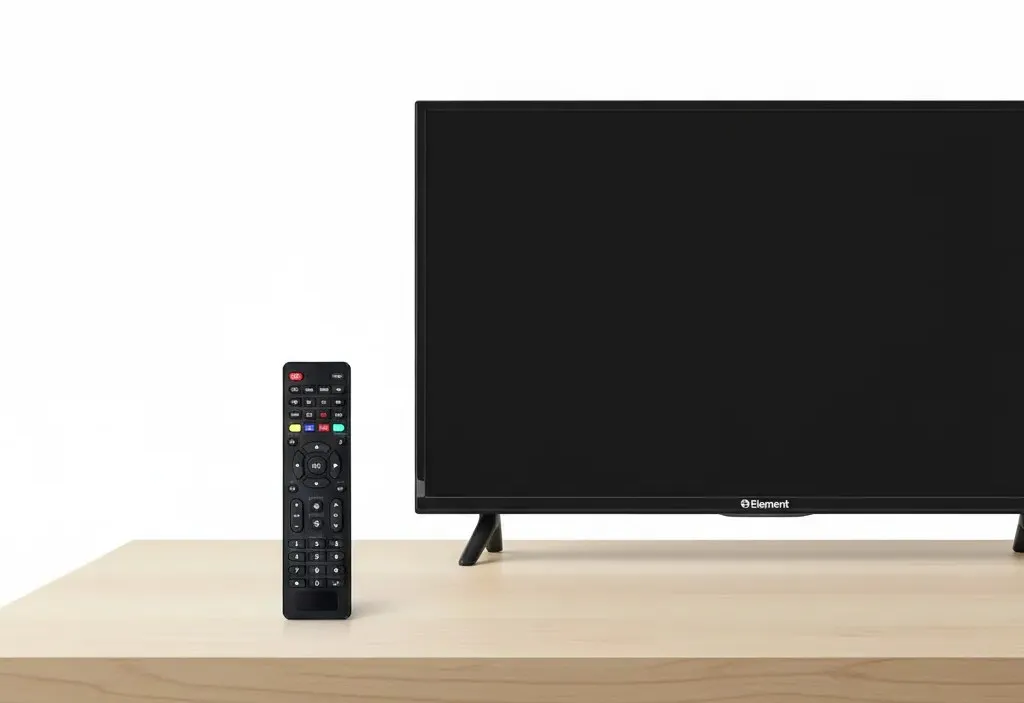
Element TV Universal Remote Codes
Here is a complete list of codes gathered from manufacturer sites and code databases. They are sorted by length for easy reference. Use the one that matches your remote’s requirements.
3-Digit Codes
- 000
- 001
- 004
- 005
- 028
- 031
- 046
- 048
- 051
- 057
- 076
- 081
- 088
- 096
- 110
- 121
- 127
- 151
- 153
- 154
- 155
- 168
- 231
- 236
- 238
- 247
- 250
- 252
- 268
- 363
- 387
- 459
- 494
- 500
- 505
- 506
- 523
- 526
- 535
- 567
- 568
- 571
- 575
- 587
- 591
- 622
- 627
- 652
- 659
- 666
- 669
- 672
- 690
- 705
- 723
- 724
- 744
- 772
- 773
- 902
- 914
- 990
- 999
These come from Element’s official support page and code lists like those for Dish Network and Spectrum.
4-Digit Codes
- 0020
- 0081
- 0173
- 0178
- 0281
- 0571
- 0706
- 0885
- 0911
- 1025
- 1065
- 1091
- 1104
- 1173
- 1204
- 1228
- 1398
- 1407
- 1422
- 1431
- 1437
- 1444
- 1507
- 1524
- 1581
- 1597
- 1598
- 1651
- 1687
- 1718
- 1741
- 1756
- 1864
- 1886
- 1918
- 2049
- 2183
- 2256
- 2360
- 2401
- 2434
- 2511
- 2746
- 2801
- 2964
- 3183
- 3264
- 3559
- 4111
- 4217
- 4398
- 4401
- 4635
- 4740
- 4910
- 5341
- 5353
- 5361
- 5411
- 5421
- 5471
- 5831
- 5841
- 6021
- 6171
5-Digit Codes
- 10156
- 10178
- 10261
- 10706
- 10818
- 10862
- 10885
- 10916
- 11068
- 11147
- 11523
- 11524
- 11568
- 11687
- 11756
- 11764
- 11864
- 11886
- 11993
- 12049
- 12183
- 12256
- 12260
- 12360
- 12434
- 12559
- 12746
- 12964
- 13183
- 13558
- 13559
- 13656
- 13907
- 14023
- 14156
- 14175
- 14217
- 14254
- 14398
- 14660
- 14972
- 17415
- 18358
- 18924
- 36432
- 43321
- 44354
- 44651
- 45533
How to Program a Universal Remote for Element TV
Programming takes just a few minutes. Make sure your TV is on and the remote has fresh batteries. The steps differ slightly by method, but they follow similar patterns across brands.
Manual Code Entry Method
This is the most direct way if you have a code list.
- Turn on your Element TV using the button on the TV itself.
- Press and hold the Setup or Code Search button on the remote until the indicator light stays on.
- Press the TV button to select the device mode.
- Enter a code from the list above that matches your remote’s digit requirement.
- The light should turn off or blink if the code works.
- Point the remote at the TV and test functions like power or volume.
- If it does not respond, start over with another code.
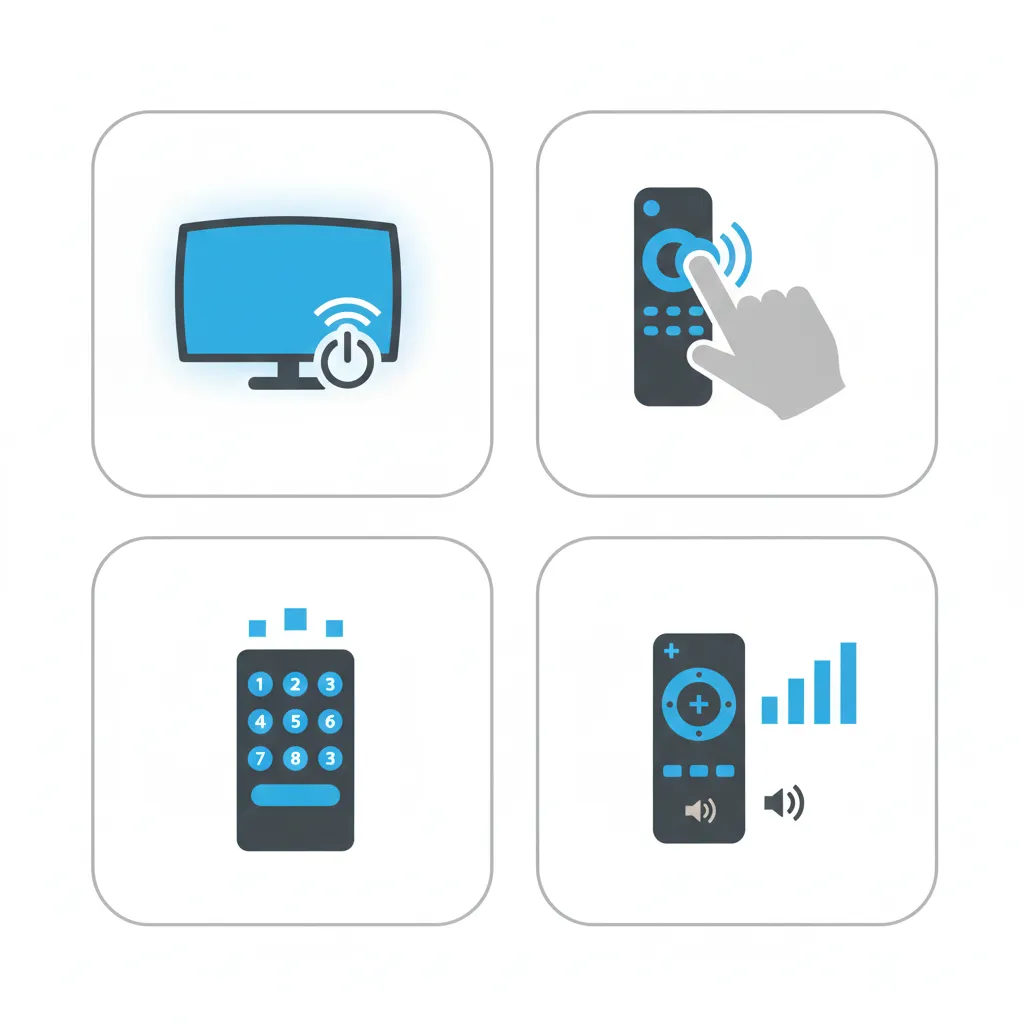
Auto Code Search Method
Use this if manual entry fails or you prefer the remote to scan automatically.
- Power on the Element TV manually.
- Hold the Setup button, then enter a sequence like 9-9-1 (check your remote manual for the exact entry).
- Release Setup but keep holding the Power button.
- Press the Channel Up button repeatedly, pausing briefly each time.
- Stop when the TV turns off, which means the code matches.
- Press Power to turn the TV back on and test other buttons.
- Save the code by pressing the Setup or TV button again.
Code Search Without Specific Codes
This method scans without needing a list.
- Turn on the TV.
- Press and hold the Device (TV) and OK buttons for about three seconds until the light stays lit.
- Point the remote at the TV and press Channel Up or Down slowly.
- When the TV powers off, release the button.
- Press Power to check if the TV turns on.
- Press the Device button to lock in the code.
Codes by Popular Remote Brands
Some remotes work best with certain codes. Here are groupings for common brands.
GE Universal Remote Codes
- 0020, 0081, 0173, 1025, 1091, 1173, 1651, 2401, 4111, 5341, 5361, 5411, 5421, 5471, 5831, 5841, 6021
Also Read: GE Universal Remote Codes: Full List & Programming Guide 2026
RCA Universal Remote Codes
- 1687, 1756, 1886, 2049, 2183, 2256, 2434, 2964, 3183, 3559, 4217, 4398, 10885, 11687, 11756, 11886, 12049, 12183, 12256, 12434, 12964, 13559, 13907, 14217, 14398
Philips Universal Remote Codes
- 0709, 1091, 1104, 1204, 1651, 1718, 1741, 1918, 2401, 2891, 4111, 5341, 5361, 5411, 5421, 5471, 5831, 5841, 6021, 6171, 10862, 10916, 11068, 11147, 11764, 13558, 13656, 14156, 14254, 14972, 17415, 18924
One For All Universal Remote Codes
- 0706, 0885, 1687, 1756, 1886, 2049, 2183, 2256, 2434, 2964, 3183, 3559, 4217, 4398, 4635, 4660, 4740, 4910, 5173, 10885, 11756, 12049, 12183, 12434, 36432, 43321, 44354, 44651, 45533
Spectrum Universal Remote Codes
- 004, 031, 110, 268, 363, 387, 459, 494, 526, 587, 622, 690, 705, 0281, 0571, 0706, 0885, 1098, 1228, 1524, 1687, 1756, 1864, 2049, 2183, 2256, 2360, 2434, 2511, 2746, 2801, 2964, 3559, 4401, 10885, 11524, 11687, 11756, 11864, 11886, 12049, 12183, 12256, 12360, 12434, 12746, 12964, 13559, 13907, 14398, 14660
From official Element pages.
Troubleshooting Tips
If codes fail, double-check battery levels and point the remote straight at the TV. Some remotes need you to press Enter after the code. For older Element models, start with 3-digit codes; newer ones often use 5-digit. If nothing works, visit the remote maker’s site for model-specific help or reach out to Element support. Always confirm your remote supports Element TVs before trying.
This covers all main codes and methods from verified sources. With the right code, your universal remote should handle your Element TV without issues.
Explore more:


