

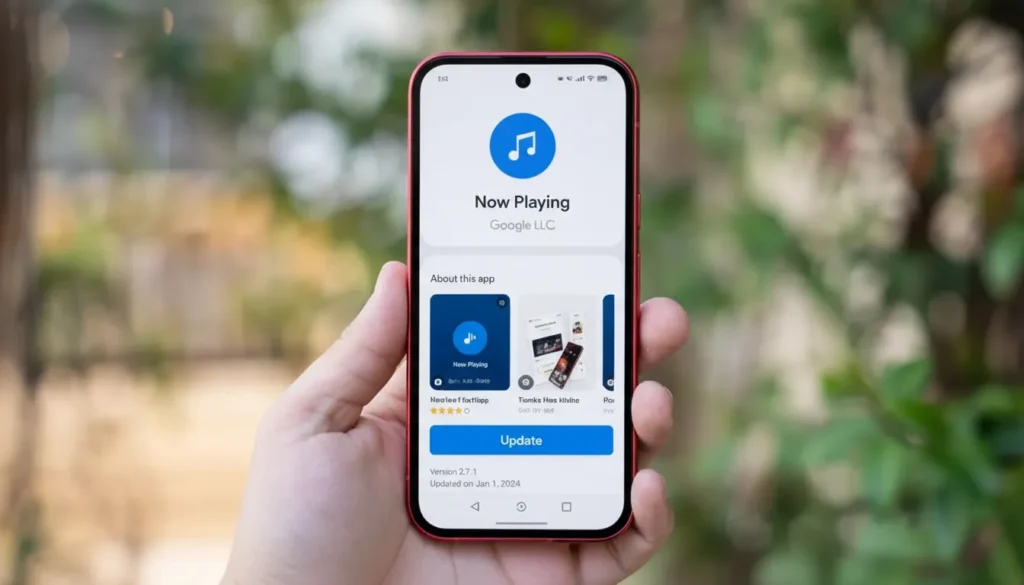
Google has pushed the first update to its Pixel Now Playing app, just weeks after launching it as a standalone app in early March 2026. The new version — 2026.03.24.x — is now widely available on Google Play.
What Was Updated
The update bumps the app from version 2026.03.02.x to 2026.03.24.x. It began rolling out gradually over the past few days and is now broadly available.
Google did not update the “What’s New” section in the Play Store listing. According to 9to5Google, no visible changes were spotted after installing the update. This is reportedly a behind-the-scenes bug fix — though Google has not officially confirmed that.
Key Details
- New version: 2026.03.24.x
- Previous version: 2026.03.02.x
- App launched: Early March 2026
- Available via: Google Play (free)
- Changelog published: None
- Visible UI changes: None confirmed
- Lockscreen shortcut: Present in the current redesign
- Quick Settings Tile (2×1): Available — replaces the old silent notification
- “Tap to see what’s playing” prompt: Reported by some users under the fingerprint icon on the lockscreen; not appearing for all users
Context & Comparison
Now Playing has been a Pixel exclusive for years. It worked quietly in the background — identifying songs playing nearby using an on-device database, without needing an internet connection.
The old version lived inside system settings. You couldn’t update it independently. Google had no way to push fixes or new features without a full system update.
That changed in March 2026. Google spun it out into a standalone Play Store app. That was a structural shift — it meant Google could update Now Playing on its own schedule, without waiting for a Pixel Drop or Android release.
This first update is the proof of that. Even without a visible changelog, the fact that Google pushed version 2026.03.24.x just three weeks after launch tells you the team is actively working on it.
Some Pixel users on Reddit have reported seeing a new “Tap to see what’s playing” prompt beneath the fingerprint icon on the lockscreen. This is similar to how the older Now Playing triggered an online search when it couldn’t identify a song locally. However, 9to5Google was unable to replicate this across multiple phones — so it may be a limited rollout or a staged UI test.
The redesigned app already includes a lockscreen shortcut and a 2×1 Quick Settings Tile. That tile also replaces the old silent notification that used to appear when a song was detected.
First-party Pixel apps typically receive significant updates alongside Pixel Drop releases, which happen roughly every three months. The next one could bring more meaningful changes.
What This Means for Buyers
If you own a Pixel phone, open Google Play and update Now Playing. The process is automatic for most users, but it’s worth checking manually.
Don’t expect anything new on screen — this update is under the hood. But if you were holding off on using Now Playing because of early bugs, now is a reasonable time to try it again.
For anyone considering a Pixel purchase, this update is a small but meaningful sign. Google is treating Now Playing as a real, maintained app — not a feature it launched and forgot.
Conclusion
Google’s first update to the Pixel Now Playing app is minor on the surface — no changelog, no visible changes. But version 2026.03.24.x confirms the app is in active development. Watch for more substantial upgrades at the next Pixel Drop.
Also Read: iQOO Neo 9 Pro Rolls Out Stable Android 16 via OriginOS 6.0


