

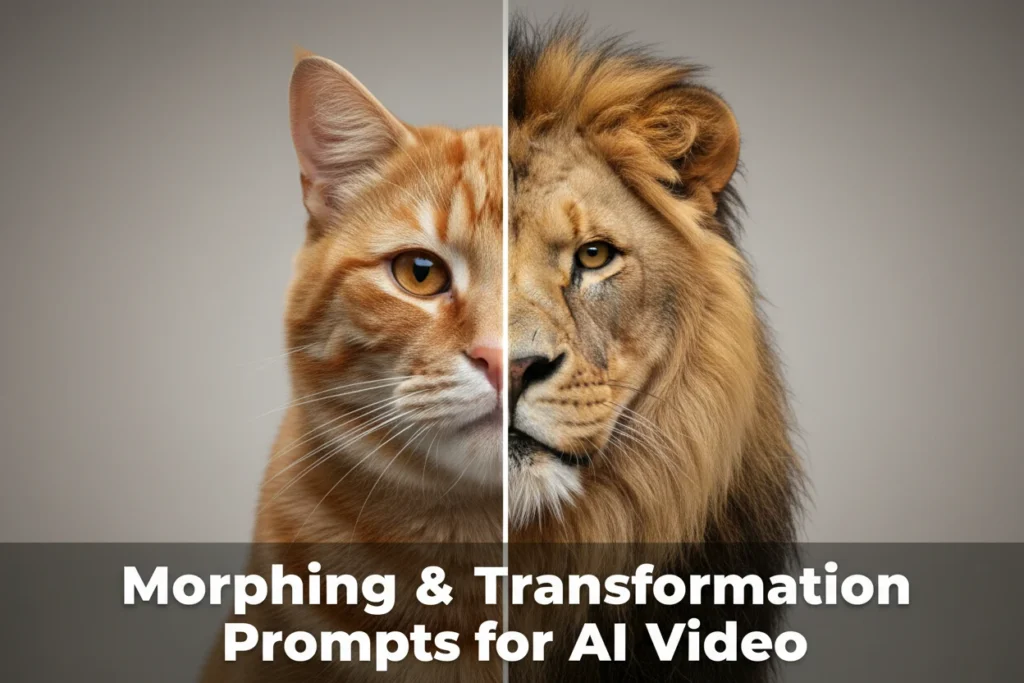
One of the most visually striking things you can create with AI video right now is transformation.
An old face becoming young.
A city turning into a forest.
A statue coming to life.
A human dissolving into stardust.
Morphing and transformation prompts are some of the most shareable AI-generated clips online — but they’re also some of the hardest to get right.
Many creators assume they need timestamp precision like:
“Between seconds 4 and 7, the face transforms…”
In reality, most AI video tools (outside of very high-end systems) don’t reliably honor second-by-second timing commands. What works better today is structured, cinematic natural language that describes the transformation as a flowing sequence of events.
Below is a breakdown of how to write morphing prompts that actually work.
Why Timestamp Prompts Might Fail
Most AI video systems generate motion holistically. They don’t “edit on a timeline” the way traditional video software does.
When you write:
“At second 3, she turns left.”
The model may ignore it, approximate it, or distribute that action unpredictably across the clip.
Instead of rigid timestamps, describe:
- Cause → action → effect
- Visual blockers (mist, flash, motion blur)
- Physical transitions (hands move, light flares, wind sweeps)
Transformation works best when the prompt reads like a short cinematic script, not a technical instruction sheet.
The Structure of a Strong Transformation Prompt
Let’s analyze a style of prompt that tends to perform well:
An older woman with short grey hair and a gentle, worn smile suddenly, magically and cinematically turns younger. She raises both hands to cover her face. Mist sweeps past in front of her, partly obscuring her. With a deep breath, she lowers her hands in one sweeping motion. Her younger self is revealed—radiant, calm, with longer, windblown hair and a faint knowing smile. Lightning strikes and clouds move dramatically behind her.
Why does this work?
Because it contains:
- Clear starting identity
- Physical motion anchors
- A visual “transition veil” (mist)
- A reveal action
- Environmental reinforcement
That’s the formula.
Btw, if you want to explore or test a variety of prompts yourself, the Prompt Lab is here: https://aicreators.tools/compare-prompts/
The 5-Part Morphing Prompt Framework
If you want consistent results, follow this structure:
1. Define the Initial State Clearly
Be specific about:
- Age, mood, clothing
- Lighting conditions
- Camera framing
- Expression
Weak:
A woman becomes young.
Strong:
An older woman with short grey hair and a gentle, worn smile stands against a stormy sky in cinematic lighting.
2. Introduce a Physical Action
AI models respond better when transformation is embedded inside motion.
Good anchors include:
- Raising hands
- Turning around
- Spinning
- Closing eyes
- Jumping
- Wind hitting fabric
- Light passing over face
Transformation should not “pop.” It should unfold through motion.
3. Add a Transitional Obscurer
This is critical.
Mist.
Smoke.
Light flare.
Shadow sweep.
Camera whip.
Lightning flash.
Explosion of petals.
These elements give the model permission to rewrite identity mid-frame without breaking continuity.
4. Reveal the New State With Confidence
Be explicit about:
- New age
- Hair change
- Emotion shift
- Outfit difference
- Lighting upgrade
Transformation should feel decisive.
5. Reinforce With Environment
Great morph clips don’t stop at the subject.
They transform context too.
- Sky darkens
- Lightning strikes
- Forest blooms
- City dissolves into neon
- Statue cracks into living flesh
Environment evolution makes the transformation feel cinematic rather than cosmetic.
Common Mistakes in Transformation Prompts
1. Vague Language
“Transforms magically” is weak unless paired with visible mechanics.
2. No Physical Anchor
If the subject stands still and just changes, the result often looks glitchy.
3. Overloading With Micro-Details
Avoid 15 separate events in a 5–10 second generation window. Prioritize clarity.
4. Forcing Exact Timing
Unless you’re working in a system that clearly supports precise temporal control, describe sequence — not timestamps.
Natural Sequence Beats Instead of Seconds
Instead of:
Between second 4 and 7, her face de-ages.
Try:
She inhales deeply. Wind lifts her hair. Mist floods the frame. When it clears, her face is youthful and radiant.
Think in cinematic beats, not timeline markers.
AI understands narrative flow better than clock math.
Advanced Techniques for Stronger Morphs
Add Emotional Change
Physical transformation + emotional shift = higher impact.
Old and weary → calm and confident.
Cold and detached → joyful and free.
Add Camera Awareness
Even if you don’t specify exact lens details, phrases like:
- cinematic lighting
- dramatic framing
- slow tracking shot
- dramatic backlight
can elevate output.
Add Scale
Transformation isn’t just human.
Try:
- Rusted car restoring itself to brand new
- Burned forest regrowing into lush life
- Ink drawing becoming hyperreal 3D sculpture
- Human dissolving into galaxies
The same 5-part structure applies.
Transformation is one of the clearest examples of where creative writing directly shapes generative output.


