

The Motorola Edge 50 has started getting the stable Android 16 software version. This comes after several months of testing. Users in select areas can now download it.
Rollout and Availability
The update first appeared in Europe and parts of Latin America. It rolls out to a small group of users at the start. More regions should follow soon. The download size sits at about 2 GB. The build number is W1UW36H.76-48.
This phone launched with Android 14. It got Android 15 last year. Now, this marks its second big OS jump.
Key Features in Android 16
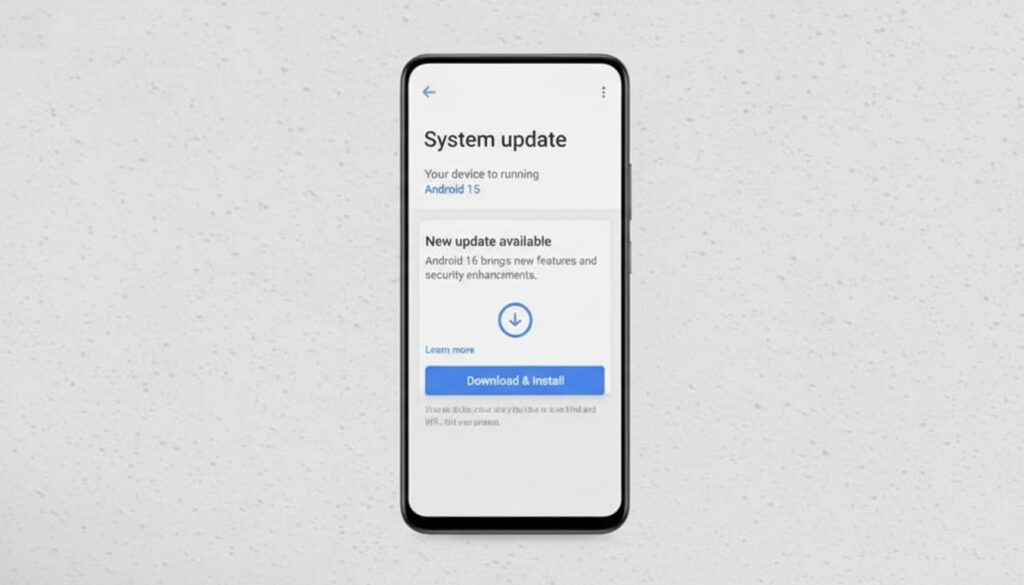
Android 16 brings better performance and stability. It helps with longer battery life in some cases. The update fixes bugs and boosts reliability. Apps work better with newer versions.
Specific additions include live updates and a desktop window mode. Group notifications help organize alerts. New emojis add fresh options. An embedded photo picker makes sharing easier. It supports APV codec for media. Predictive back gestures see upgrades. Users can take HDR screenshots. Advanced protection mode strengthens security.
How to Install the Update
To get the update, go to Settings on your phone. Then select System, followed by Advanced. Tap System updates and check for new ones. Back up your data first. Make sure the battery is at least 50 percent.
Also Read: Vivo Phones Getting OriginOS 6 Update from February to June


