



If you have a Pilot TV and a universal remote, you need the right code to make them work together. Without the correct code, your remote won’t recognize the TV. This guide contains all working Pilot TV codes for different universal remotes, step-by-step programming instructions using three methods, and solutions if something doesn’t work. Looking for codes for other TV brands? We also cover Element, Dynex, and Durabrand TVs.

Complete Pilot TV Code List for All Remotes
Below are all codes for Pilot televisions. Depending on your remote, you’ll need a 3-digit, 4-digit, or 5-digit code. Try the codes in order, starting with the first in each list.
3-Digit Codes
These codes work with most older universal remotes from GE, RCA, and similar brands:
004, 006, 011, 013, 025, 046, 047, 054, 076, 096, 113, 135, 163
Codes 004 and 011 work most often. Start with these.
4-Digit Codes
Modern universal remotes typically use 4-digit codes:
0001, 0011, 0025, 0037, 0046, 0047, 0054, 0076, 0096, 0113, 0135, 0163, 0171, 0294, 0451, 0556, 0679, 0698, 0706, 0712, 0753, 0790
Most popular: 0037, 0556, 0706
5-Digit Codes
Some newer remote models from DirecTV, Spectrum, and Comcast require 5 digits:
10000, 10037, 10556, 10706, 11947
Code 10037 has the highest success rate for the 5-digit format.
How to Program Universal Remote to Pilot TV — 3 Methods
There are three ways to program your remote. The first is fastest, but if it doesn’t work, move to the second or third.
Method 1 — Direct Code Entry
This is the simplest method. Takes 30 seconds.
- Turn on your Pilot TV manually or with the original remote.
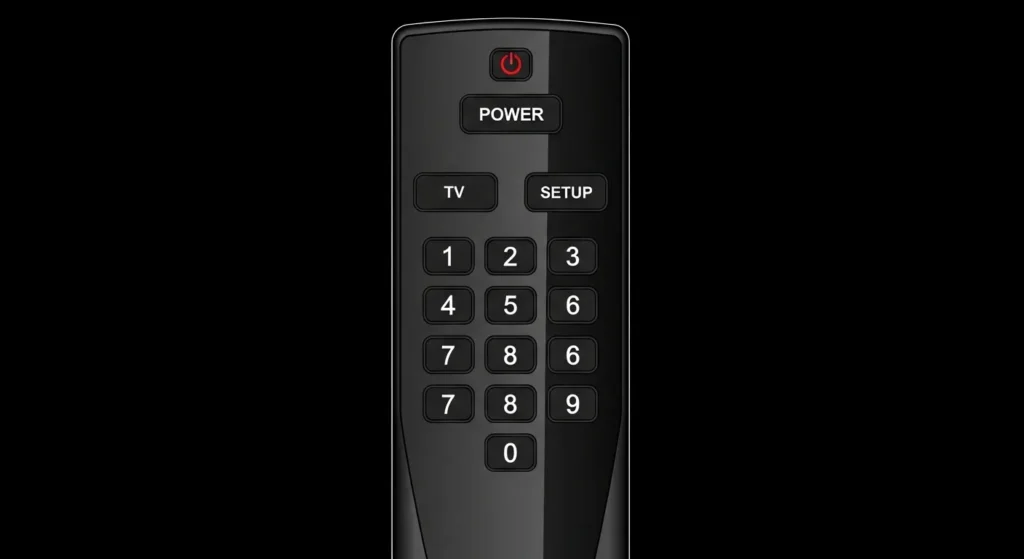
- Grab your universal remote and press the TV button (or Device). Hold it.
- At the same time, press and hold the Setup button (or Set) for 3 seconds.
- Release both buttons when the LED indicator starts glowing or blinking.
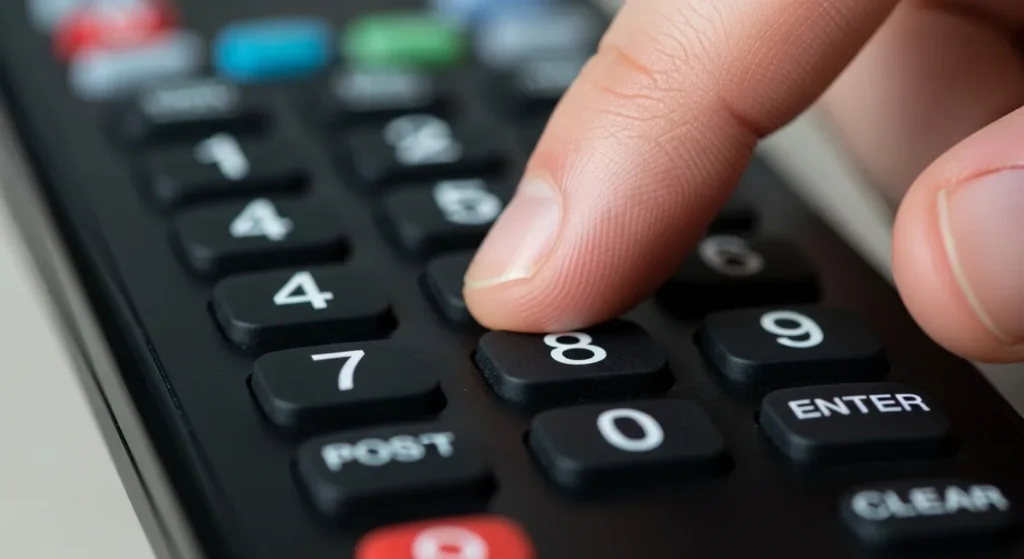
- Enter a code from the table above. For example, 0037.
- The LED indicator should turn off after the last digit.
- Press the Power button on the remote. If the TV turns off, the code works.
- Press TV again to save.
If the TV didn’t turn off, repeat the process with the next code from the list.
Method 2 — Auto Code Search
When you don’t know which code will work, the remote can find the right one itself. This takes 5-10 minutes.
- Turn on your Pilot TV.
- Press and hold Setup until the LED lights up continuously (about 3 seconds).
- Press the TV button once. The LED should blink and stay on.
- Press and release the Power button on the remote. Wait 2 seconds.
- Repeat step 4 until the TV turns off. The remote checks codes one by one.
- As soon as the TV turns off, immediately press Enter or OK to save.
- Turn the TV back on and test other buttons (volume, channels).
If you missed the moment when it turned off and the remote moved past it, you’ll need to start over.
Method 3 — Manual Setup
This method works when auto search doesn’t give results. You manually cycle through codes.
- Turn on the TV.
- Hold Setup until the LED lights up.
- Press TV.
- Press Channel Up on the remote. Wait 3 seconds.
- Press Power. If the TV doesn’t respond, repeat steps 4-5.
- Continue until the TV turns off.
- Press Setup to save the code.
This method is slow but 95% effective.
Programming Instructions by Remote Brand
Different remote manufacturers have slightly different procedures. Here are specific instructions for popular brands.
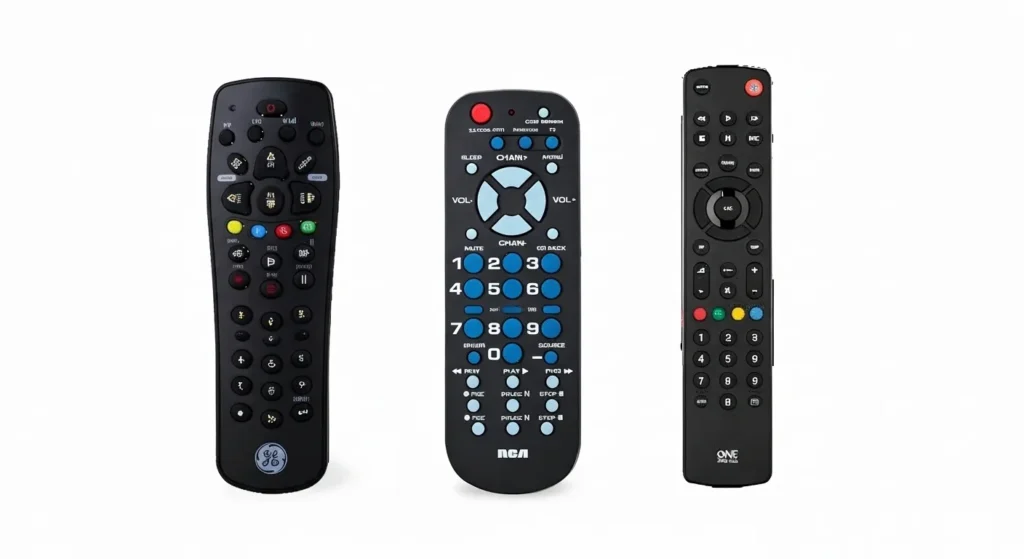
GE Universal Remote
- Turn on your Pilot TV.
- Press Code Search until the LED lights up.
- Press TV.
- Enter a 4-digit code: try 0037 or 0556.
- Press Power. The TV should turn off.
- Press Enter to confirm.
GE remotes work well with codes 0037, 0556, 0706. For comprehensive GE programming instructions, check our GE universal remote codes guide.
RCA Remote
- Turn on the TV.
- Hold TV and Setup simultaneously for 3 seconds.
- Enter code 0037.
- Test the Power button.
- If it works, press TV to save.
RCA supports codes: 0001, 0037, 0556, 0706, 10037. You can find more RCA universal remote codes for other devices on our dedicated guide.
OneForAll Remote
- Press TV on the remote.
- Hold Setup until you see two blinks of the red indicator.
- Enter 0556 or 0037.
- The indicator will blink twice to confirm.
- Press Power to test.
OneForAll also works with codes 0706, 0712, 0753. See our complete OneForAll universal remote codes list for all compatible devices.
Philips Remote
- Turn on the TV.
- Press TV and Setup together.
- When the LED blinks twice, enter 0037.
- The LED will blink twice again.
- Point the remote at the TV and press Power.
Philips codes: 0037, 0556, 0646, 0539. For advanced Philips remote features, visit our Philips universal remote codes page.
DirecTV / Spectrum Remotes
- Turn on your Pilot TV.
- On the remote, press and hold Mute and Select simultaneously until the green indicator blinks twice.
- Enter a 5-digit code: 10037 or 11947.
- The green indicator will blink twice to confirm.
- Press Power to test.
Spectrum and DirecTV remotes use only 5-digit codes. If you need help with other TV brands on Spectrum remotes, check our Spectrum universal remote codes guide.
Why the Code Doesn’t Work — Troubleshooting
Even the right code sometimes doesn’t work. Here are the most common problems and solutions.
LED Indicator Doesn’t Blink
Problem: When you press Setup, nothing happens.
Solution:
- Check the batteries. Insert new ones.
- Make sure you’re pressing the right button. On some remotes it’s Set, not Setup.
- Hold the button longer — minimum 3 seconds.
- Try resetting the remote: remove batteries for 30 seconds, then reinsert.
TV Doesn’t Respond to Remote
Problem: Code entered, but the TV won’t turn on/off.
Solution:
- Point the remote directly at the TV sensor (usually at the bottom center).
- Remove obstacles between the remote and TV.
- Try the next code from the list. Sometimes a Pilot model requires a different code.
- Check if the TV is plugged into the outlet, not just in standby mode.
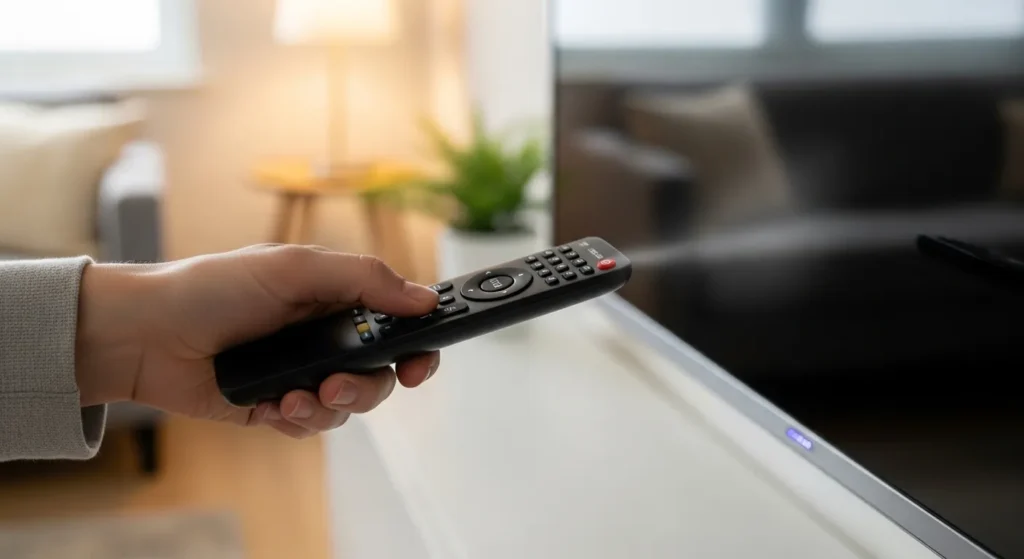
Code Not Accepted
Problem: After entering the code, the LED blinks several times or the remote resets.
Solution:
- You entered the wrong code or the remote doesn’t support it.
- Enter the code more slowly, pressing each digit clearly.
- Make sure the LED indicator is on before entering the code.
- If the remote resets after 10 seconds of inactivity, act faster.
- Use the auto search method instead of direct entry.
Some Buttons Don’t Work
Problem: Power works, but Volume or Channel don’t respond.
Solution:
- This means a partial code match. Try the next code from the list.
- Sometimes certain functions stay tied to the original remote. This is normal for older universal remotes.
- Use the learning method (if your remote supports it) to copy signals from the original Pilot remote.
Frequently Asked Questions (FAQ)
What codes work for Pilot TV?
The most compatible codes are: 0037, 0556, 0706, 10037. They work with 90% of universal remotes. For older remotes, try 3-digit codes 004 and 011.
What if none of the codes work?
If you’ve tried all codes from the list:
- Use the auto search method. It checks all possible codes in the remote’s database.
- Check if the remote works at all. Press any button and look at the LED through your phone camera — you should see light.
- Make sure your Pilot is a TV, not another device. Some users confuse brands. If you have a different TV brand, try our guides for Samsung, Sony, Vizio, or Hisense TVs.
- Buy a universal remote with a learning function. It will copy signals from the original remote.
Is there a difference between Pilot models?
Yes. Older Pilot models (released before 2015) more often use codes 0037 and 0556. Newer models may require codes 0706, 0753, or 10037. If the back of your TV says “Pilot Supertel” or “Pilot Pro-Tel”, try code 0556 first.
How do I find out which code is currently being used?
Most universal remotes don’t display the active code. But you can identify it using the reverse lookup method:
- Hold Setup and 1 simultaneously.
- Press TV.
- Press Channel Up several times, counting the number of LED blinks.
- First blink = first digit, second = second digit, and so on.
Not all remotes support this feature. Check your model’s manual.
Can I use a remote from another TV on Pilot?
An original remote from another brand won’t work directly. But if you have a learning universal remote, it can copy signals from any remote. Take both remotes, activate learning mode on the universal, and press buttons on the original one in sequence. For brand-specific alternatives, explore our Bose, Zenith, or Blackweb remote programming guides.
How many codes can one remote store?
Standard universal remotes store 4-8 codes simultaneously (for TV, DVD, audio system, cable box). Each device has a separate button. You can’t store two codes for one TV button.
Why did the code work before but not now?
Three reasons:
- Batteries died. Even if the LED lights up, the signal may be weak. Replace batteries.
- The remote reset after battery replacement. Some models don’t save codes after power removal.
- You accidentally reprogrammed the TV button by pressing Setup. Enter the code again.
Do I need internet to program the remote?
No. Universal remotes work via infrared signal, not Wi-Fi or Bluetooth. They don’t need network connection. All codes are already stored in the remote’s internal memory. You just activate the right one.

Summary
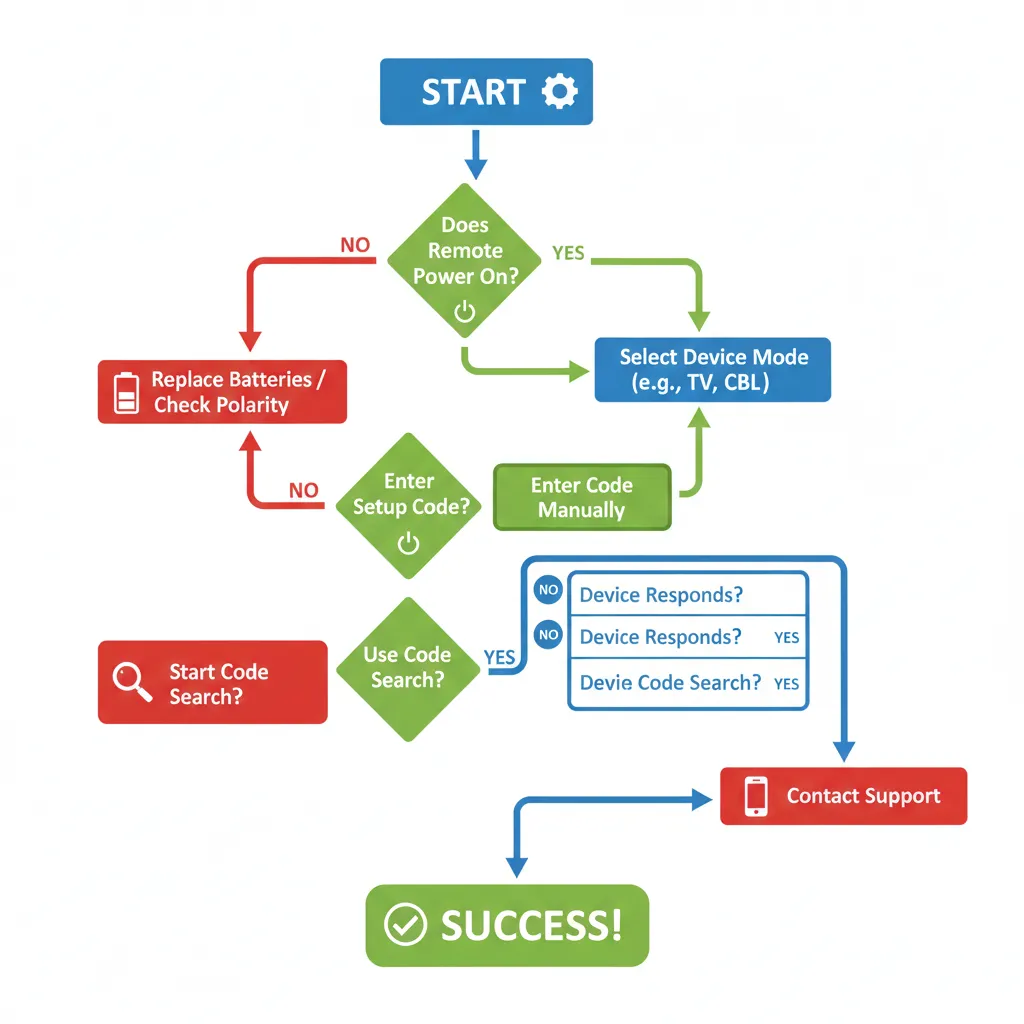
Setting up a universal remote for your Pilot TV takes less than 5 minutes if you use the right code and method. Start with direct code entry using 0037 or 0556 — they work in most cases. If that doesn’t work, use auto search. For specific remotes like DirecTV, use 5-digit codes. Always keep fresh batteries on hand and point the remote directly at the TV sensor.
If you’ve tried all methods and the remote still doesn’t work, your specific Pilot model may not be supported by your particular remote. In that case, a universal remote with learning function will solve the problem — it will copy signals from your original Pilot remote. For programming other universal remote brands, explore our guides for Sony universal remotes or Daewoo TVs.




How do I programed my GE remote to my toshiba DVD player