

The most reliable universal remote codes for Devant TVs are 0338, 0231, and 023. For 4-digit remotes, start with 0338. For 3-digit remotes, try 023 or 024. This guide covers every confirmed code format — 3-digit, 4-digit, and 5-digit — plus brand-specific codes for Chunghop, Huayu, Cybertec, GE, Philips, and Keyin. Step-by-step programming instructions and a troubleshooting section are included below.
Not sure which remote is compatible with your Devant TV? Use the Universal Remote Compatibility Checker to find out before you start.
Full List of Devant TV Universal Remote Codes
Devant TVs use standard IR protocol, which means most universal remotes can be programmed to work with them. The codes below are organized by digit length. Try them in order — the ones listed first have the highest success rate.
3-Digit Codes
| Code |
|---|
| 023 |
| 024 |
| 113 |
4-Digit Codes
These are the most commonly used codes across Chunghop, Keyin, Cybertec, and generic universal remotes:
| Code | Code | Code | Code |
|---|---|---|---|
| 0338 | 0102 | 0134 | 0193 |
| 0195 | 0196 | 0214 | 0231 |
| 0349 | 0355 | 0384 | 0416 |
| 0456 | 0457 | 0460 | 0472 |
| 0476 | 0477 | 0509 | 0526 |
Tip: Code 0338 works with the majority of Devant LCD and LED models. If you have a Devant 32DL410 or 40DL540, start there.
5-Digit Codes
Used primarily with Huayu remotes and some newer universal remotes:
| Code |
|---|
| 00001 |
| 00002 |
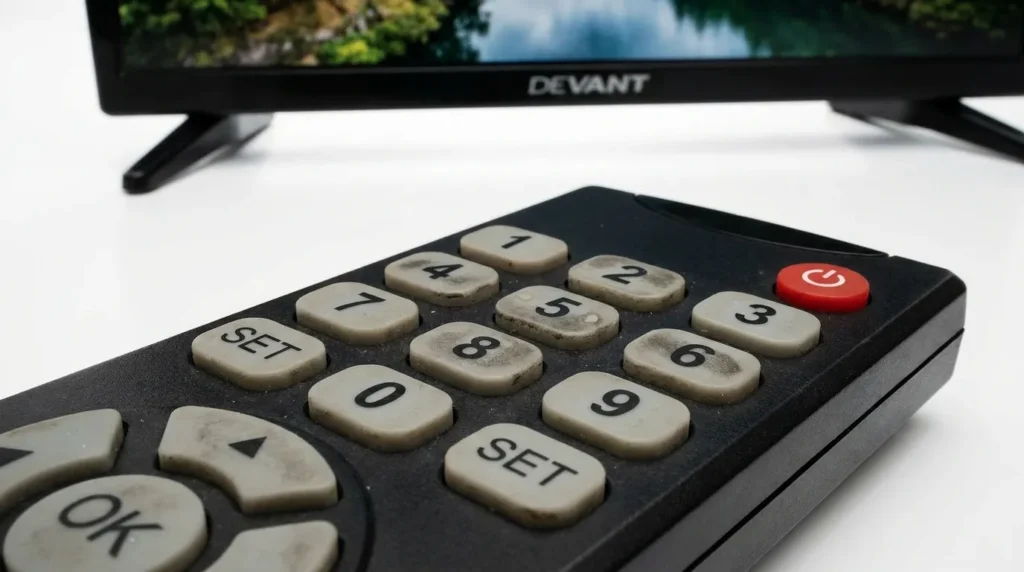
Codes by Remote Brand
Chunghop Remote Codes for Devant TV
Chunghop is the most common aftermarket remote used with Devant TVs in the Philippines. These codes work across models including the RM-133E, RM-136E, and RM-398E:
- 4-digit: 0338, 0231, 0193, 0456
- 3-digit: 023, 024
If you have a Chunghop remote and are setting it up for the first time, the full Chunghop universal remote codes guide has model-specific instructions.
Huayu Remote Codes for Devant TV
The Huayu RM-L1107+X is widely available and pairs well with Devant sets. Use these:
- 5-digit: 00001, 00002
- 4-digit: 0338, 0231
For a complete setup walkthrough, see the Huayu universal remote codes guide.
Cybertec RM-L1107+3 Codes for Devant TV
The Cybertec RM-L1107+3 is another popular choice for Devant TVs. Try these 4-digit codes first:
- 0338, 0193, 0231, 0509
Full programming steps for this remote are in the Cybertec universal remote codes guide.
GE Universal Remote Codes for Devant TV
- 4-digit: 6211, 0338
Programming a GE remote? The GE universal remote codes guide covers every GE model with step-by-step pairing instructions.
Philips Universal Remote Codes for Devant TV
- 4-digit: 6211, 0338, 0193
Philips remotes use the same SETUP hold method as most other universal remotes. Full instructions are in the Philips universal remote codes guide.
Keyin Remote Codes for Devant TV
- 4-digit: 0338, 0193, 0231, 0456
The Keyin remote uses the same entry process as Chunghop. Hold SETUP until the LED blinks, enter the code, then test with the POWER button.
How to Program a Universal Remote to Devant TV
Method 1 — Manual Code Entry
This is the fastest method if you already have a code from the list above.
- Turn on your Devant TV.
- Press the TV button on your universal remote to switch it to TV mode.
- Press and hold the SETUP button until the indicator light turns on (usually red or green).
- Enter the 3, 4, or 5-digit code using the number pad.
- The indicator light turns off when the code is accepted.
- Point the remote at the TV and press POWER. If the TV turns off, the code worked.
- Press SETUP once more to save the code.
- Test volume and channel buttons to confirm full functionality.
If the TV doesn’t respond, the light may blink and stay on — that means the code was rejected. Move to the next code in the list and repeat from step 3.
Not sure what a specific button on your remote does? The Remote Control Button Explainer breaks down every key function clearly.
Method 2 — Auto Search (No Code Needed)
Use this when you don’t know which code works, or the full list fails.
- Turn on your Devant TV.
- Press and hold SETUP until the indicator light turns on.
- Press TV on the remote.
- Press the POWER button slowly and repeatedly — once every 2–3 seconds.
- The remote is scanning through all stored codes one at a time.
- Stop pressing the moment the TV turns off.
- Press SETUP to lock in that code.
This method takes longer but works even for older or less common Devant models. It’s especially useful if you have an unlisted model number or a no-name universal remote without a code booklet.
Need help finding the right code for a specific remote model? Use the Remote Code Finder tool to look up codes by brand and device type.
Troubleshooting — Remote Still Not Working
Check the IR Sensor and Batteries
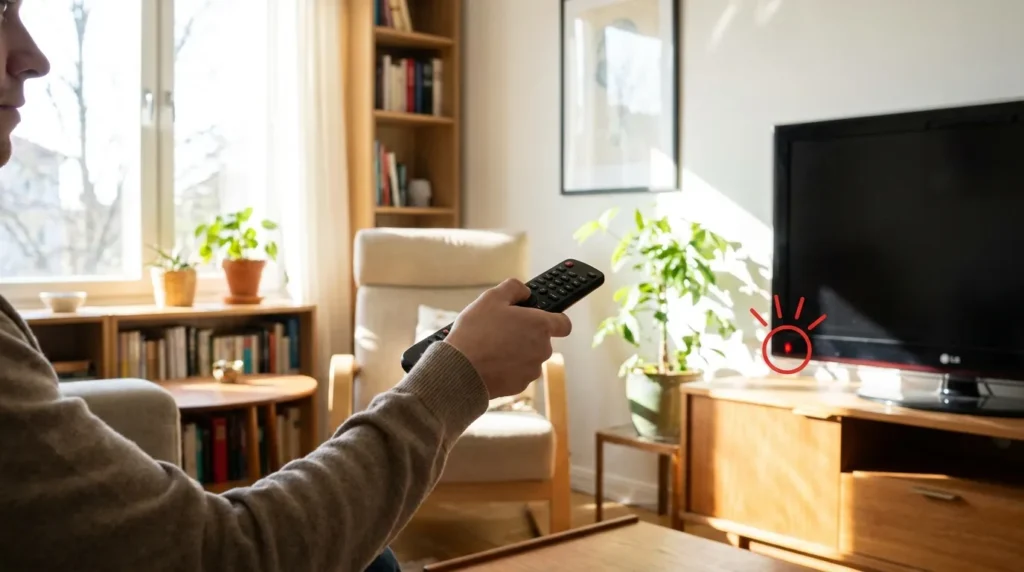
Weak batteries cause more failed pairings than wrong codes. Replace the batteries first, even if they seem fine. Then confirm you’re pointing the remote directly at the TV’s IR sensor — usually a small dark window on the front bezel. Obstacles or bright sunlight can block the IR signal.
Try the Next Code in the List
No single code works for every Devant model. The 4-digit list above contains 20 confirmed codes. Work through them in sequence. The auto-search method in Method 2 covers all of them automatically.
Reset Your Universal Remote
If the remote behaves erratically or stops responding mid-setup, reset it before trying again. Most universal remotes reset by holding SETUP and pressing 0 — but check your remote’s manual for the exact sequence.
If you encounter an error code or your TV displays a fault code during setup, the TV Error Code Lookup tool can help identify the issue quickly.
When to Get a Replacement Remote
If you’ve tried every code in this guide and the auto-search method still fails, the issue is likely IR incompatibility between your specific universal remote model and your Devant TV’s IR receiver chipset. This happens occasionally with very old Devant LCD models (pre-2015) and some newer Android-based Devant sets that use Bluetooth instead of IR.
In that case, a purpose-built universal remote for LCD/LED TVs — one that covers Asian TV brands — will solve the problem. Look for remotes that specifically list Devant, Huayu, or generic Asian brand compatibility.
If you’re also dealing with streaming issues after getting your remote working, the Cord Cutting Savings Calculator can help you decide whether a cable box remote or a streaming-focused setup makes more sense for your household.
Frequently Asked Questions
What is the best universal remote code for Devant TV? Code 0338 works with most Devant LCD and LED models. If that fails, try 0231 or 023 for 3-digit remotes.
Does a GE or Philips universal remote work with Devant TV? Yes. Both work with code 6211 or 0338. Use the manual entry method described above.
What Chunghop remote works best with Devant TV? The Chunghop RM-133E and RM-136E are both compatible. Use codes 0338 or 0231 for 4-digit models.
Why is my universal remote not working after entering the code? Check the batteries first. Then confirm the IR sensor on the TV has a clear line of sight. If the indicator light blinked and stayed on during code entry, the code was rejected — try the next one in the list.
Can I use a Huayu remote with a Devant TV? Yes. The Huayu RM-L1107+X works with 5-digit codes 00001 or 00002, and also with 4-digit code 0338.
What if none of the codes work? Use the auto-search method (Method 2 above). It scans all stored codes automatically. If that also fails, your specific Devant model may require an OEM replacement remote or a Bluetooth-based remote app.
For programming guides covering other TV brands, see our guides for Samsung TV remote codes, Hisense TV remote codes, and LG TV universal remote codes.


