

Finding the right codes for a Durabrand TV can be a challenge because the brand often shares internal components with manufacturers like Sylvania, Funai, and Emerson. Whether you are using a GE, RCA, Philips, or a cable-provider remote, this guide centralizes every known code and setup method.
A universal remote is a practical way to simplify your home entertainment setup. To get your Durabrand television synced, you generally need to match the specific digit length required by your remote brand.
All Durabrand TV Remote Codes
The following lists contain the confirmed codes for Durabrand sets. If the primary codes fail, try the “Alternative Brand” section further down.
4-Digit Codes (GE, RCA, Philips, One For All)
These are the standard for most retail universal remotes:
- 0171, 0178, 0180, 0463, 0634, 0861, 1034, 1165, 1381, 1570, 1665, 1820, 5121.
Also Read: GE Universal Remote Codes: Full List & Programming Guide 2026
3-Digit Codes (Older Remotes & Standard Cable)
Use these for older generic remotes or standard digital converter boxes:
- 003, 176, 274, 277, 421, 556, 620, 622, 933.
5-Digit Codes (DirectTV & Sony)
Specifically for newer satellite remotes or high-end Sony controllers:
- 10171, 10178, 10463, 11463, 11570, 11665, 12224.
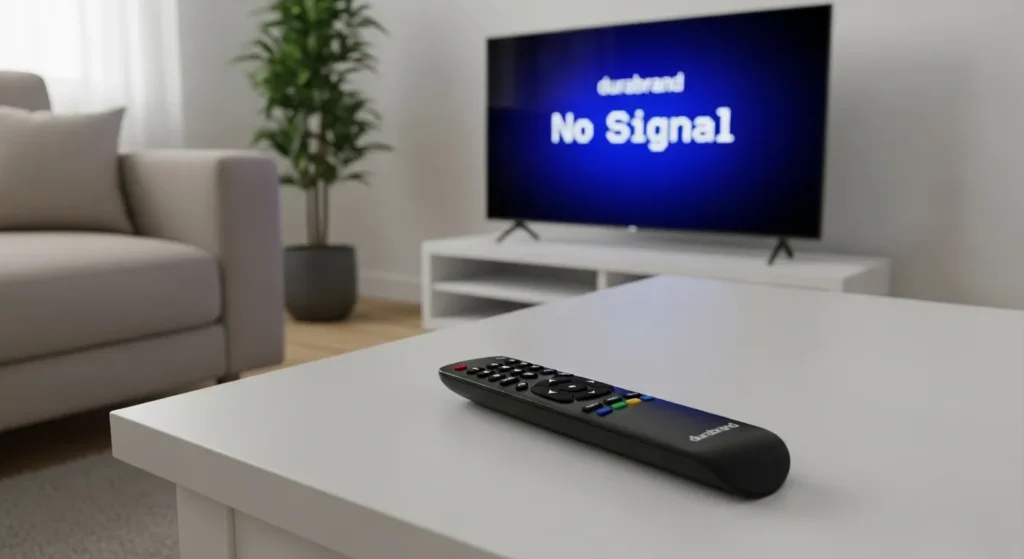
Programming Methods Step-by-Step
Method 1: Direct Code Entry
This is the most reliable method when you have a specific code list.
- Power On: Manually turn on your Durabrand TV.
- Select Device: Press and hold the TV button on your remote. The indicator light will turn on.
- Enter Code: While holding the TV button (or after it blinks, depending on the model), enter the 3, 4, or 5-digit code.
- Verify: The indicator light will stay on if the code is recognized. If it flashes, try the next code in the list.
- Test: Press the Power button. If the TV turns off, the setup is successful.
Method 2: Auto Code Search
If none of the individual codes work, use this feature to let the remote scan its entire library.
- Power On: Ensure your TV is active.
- Activation: Press and hold the Setup (or Magic) button until the light flashes twice.
- Initiate Search: Type 9 9 1. The light should flash twice.
- Scan: Press the Channel Up button repeatedly until the TV turns off.
- Lock in: Once the TV shuts down, press the Setup button to save that code.
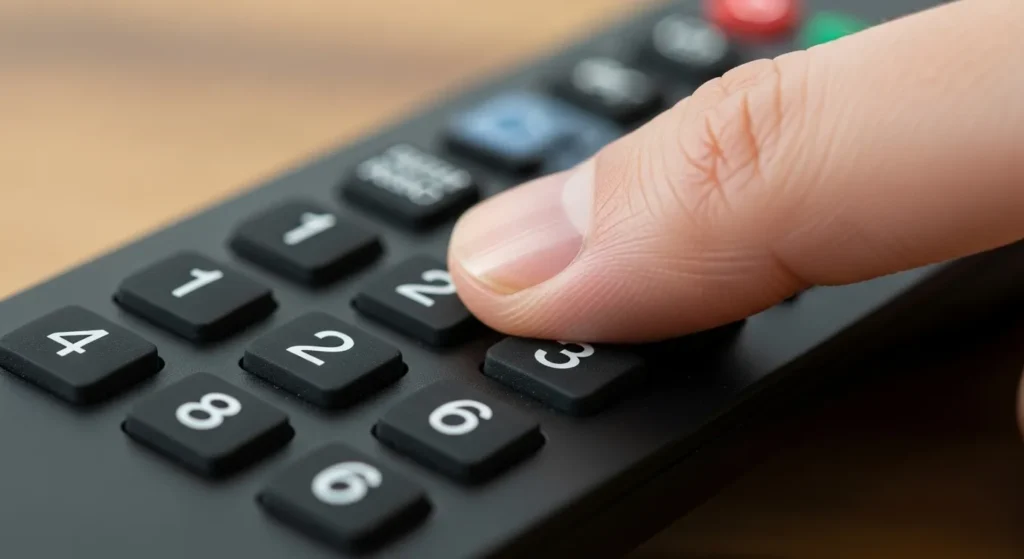
Alternative Brand Codes for Durabrand
Because Durabrand TVs were manufactured by Funai, they often respond to codes meant for other Funai-owned brands. If the specific Durabrand codes do not work, try these manufacturer lists:
| Brand Name | Common Codes to Try |
| Sylvania | 0065, 0171, 0020, 0030 |
| Funai | 0171, 0180, 1034, 1904 |
| Emerson | 0178, 0180, 0463, 0634 |
| Symphonic | 0171, 0180 |
Common Troubleshooting
- The Light Blinks but Nothing Happens: This usually means the code entered is valid for the remote’s software but does not match the TV’s infrared frequency. Continue to the next code.
- Remote Only Controls Power: If you can turn the TV on but cannot change the volume, the code is only a partial match. You must repeat the setup process with a different code to find full functionality.
- Battery Check: Programming mode consumes more power than standard use. If the light is dim or flickering, replace the batteries before trying again.


