

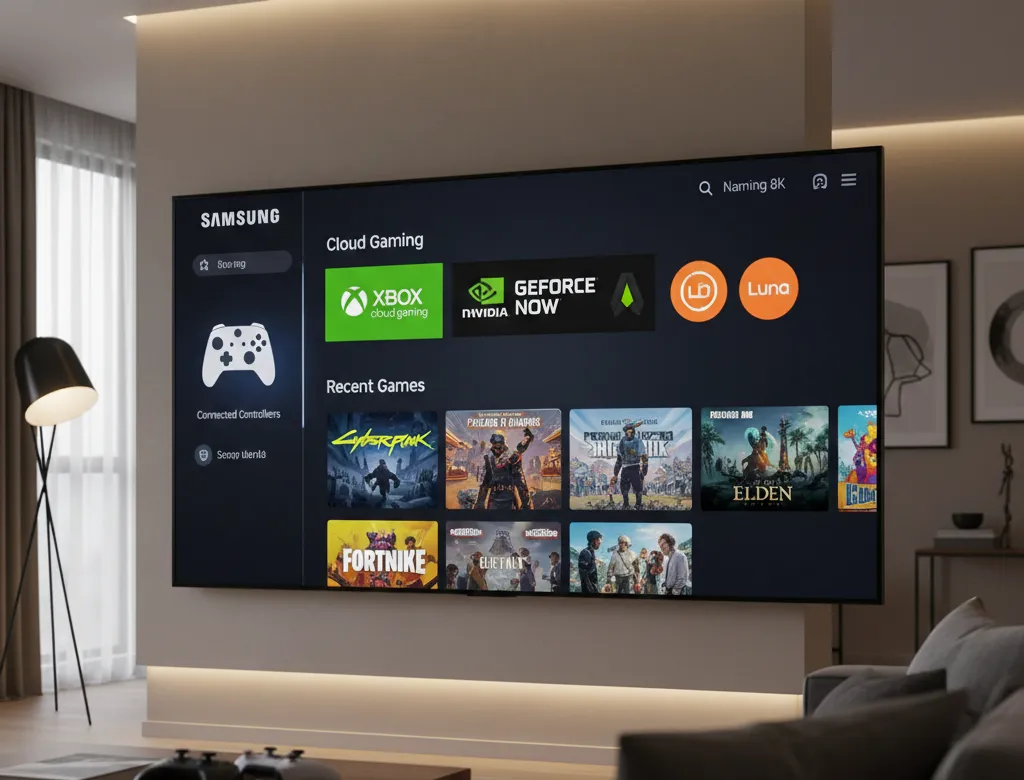
Samsung Gaming Hub turns select smart TVs into a central spot for cloud gaming. It lets users stream thousands of titles without a console. A compatible controller and strong internet connection are all that’s needed to get started.
The platform gathers popular streaming services in one place. It also supports quick access to connected consoles and offers game recommendations.
As of 2026, the hub continues to support models from 2022 onward, with new additions each year.
What Is Samsung Gaming Hub?
This built-in feature on Samsung smart TVs provides access to cloud-based games. Users can browse, launch, and play titles from various providers directly on the screen.
It includes options for music playback during sessions and settings for picture and sound adjustments. A stable internet connection is key for smooth performance, and many services require their own subscriptions.
Compatible Samsung TVs and Devices
The Gaming Hub is available on most Samsung smart TVs starting from 2022 models. Support extends to newer releases each year.
- 2026 models: Expected to include all current 4K and 8K smart TVs, such as upcoming OLED and Neo QLED lines.
- 2025 models: All UHD and higher, including OLED series like S95F and Neo QLED.
- 2024 models: Full range, from OLED (S95D series) to Crystal UHD.
- 2023 and 2022 models: Higher-end lines like QN900 series and BU8000 upward.
Select smart monitors, Odyssey gaming monitors, and projectors like the Freestyle 2nd Gen also work with the hub.
Availability can vary by region and specific model. Check the TV settings or Samsung support for confirmation.
Supported Controllers
Many Bluetooth and USB controllers pair easily with compatible TVs. Up to four can connect at once for multiplayer.
Common options include:
- Xbox controllers (Series X/S, One, Elite Series 2, Adaptive)
- PlayStation DualSense and DualShock 4
- PDP Replay Wireless Controller (designed specifically for the hub, with built-in TV controls)
- Amazon Luna Controller
- Nvidia Shield Controller
- Logitech F310, F510, F710
- PowerA MOGA XP5-X Plus
- Nintendo Switch Pro Controller
Other third-party Bluetooth models often work as well. Pairing happens through the hub’s controller icon.

Available Apps and Streaming Services
The hub connects to several cloud gaming platforms, offering a wide library of titles.
Key services include:
- Xbox (with Game Pass support)
- Nvidia GeForce NOW
- Amazon Luna
- Boosteroid
- Blacknut Cloud Gaming
- Antstream Arcade (retro games)
- Utomik
Recent additions bring more social and party games from partners like Volley (voice-controlled trivia), PHȲND (free ad-supported play), and GameLoop.
Some services are free to try, while others need subscriptions. Game progress often syncs across devices.
How to Get Started
Open the Gaming Hub from the smart TV home screen sidebar or by pressing the home button on a paired controller.
From there, connect a controller, sign into services, and start playing. A Samsung account helps with personalization and progress tracking.
For best results, use a fast internet connection and update the TV software regularly.
Samsung continues to add partners and features, making the hub a straightforward way to access cloud games on the big screen.
Also Read: LG’s New 27″ 4K OLED Fixes Text Fringing – 240Hz RGB Stripe Revealed!


