

Vivitar universal remotes help control multiple devices like TVs, DVDs, and cable boxes with one unit. These remotes often handle up to eight devices and use three or four-digit codes for setup. Common models include the 8-in-1 version and Jumbo types. Proper codes and steps make pairing simple. This guide covers codes for popular TV brands and various setup ways found across reliable sites.
How to Find Your Remote’s Codes
Codes vary by device brand and remote model. Check the user manual first, often in a separate sheet or inside the battery area. If lost, search online lists or contact the maker with your model number. Test codes one by one until the device responds. For TVs, most codes target major brands like Sony or Samsung.
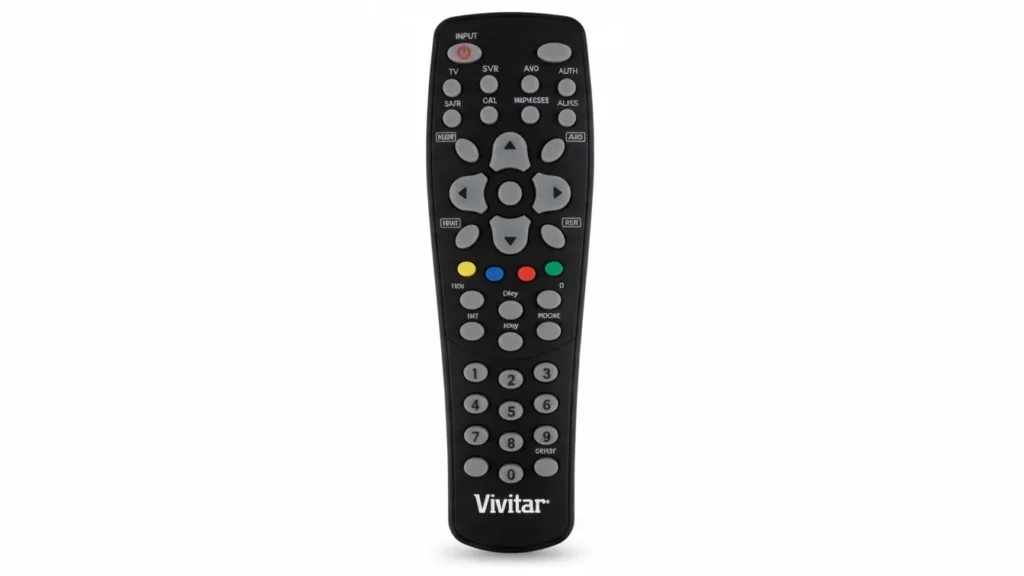
Programming Methods
Set up your remote using one of these approaches. Always point it at the device and keep fresh batteries in place. If one method fails, switch to another.
Auto Search Without Codes
This way scans for the right code automatically.
- Power on the device, like your TV.
- Hold the device button (such as TV) for a few seconds until the LED lights.
- Press channel up or down buttons slowly until the device shuts off.
- Hit the power button to check if it turns back on.
- Press the device button to lock in the code; the light blinks twice.
If the TV doesn’t respond, repeat with slower button presses.
Manual Entry With Codes
Use this if you have a code list.
- Turn the device on.
- Press and hold the setup button until the light flashes.
- Enter the three or four-digit code for your brand.
- Aim at the device and hold power until it turns off.
- Release and test other buttons.
Try the next code if it doesn’t work.
Code Search Method
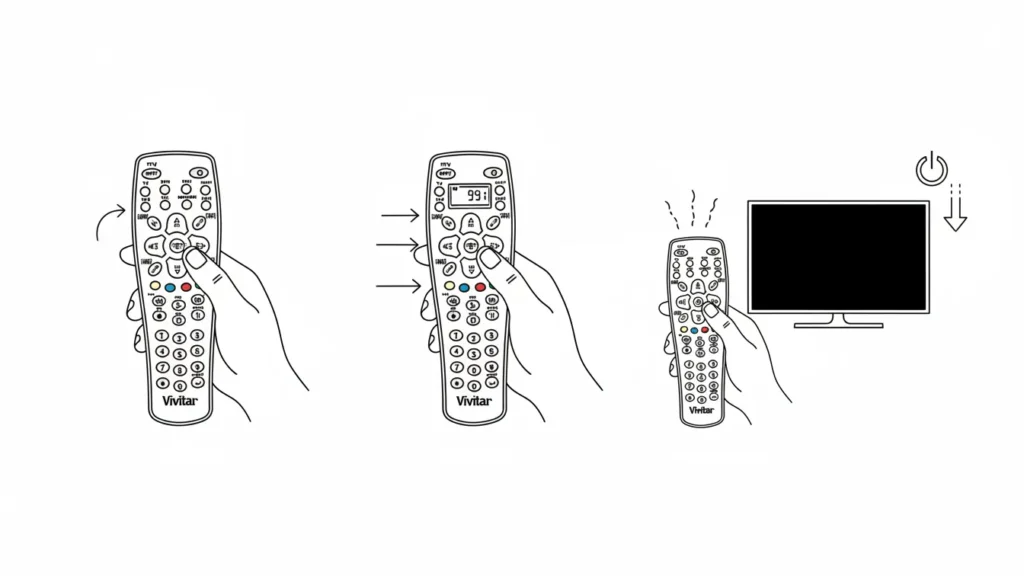
A mix of auto and manual.
- Switch on the device.
- Hold setup until the light stays on.
- Type in 991.
- Hold power and tap channel up until off.
- The remote should now pair.
This suits when exact codes are unclear.
Code Lists by Brand
Here are codes for common TV brands. These come from verified lists; test them in order. Note that codes can differ by remote model.
Sony TVs
- 1001, 1036, 1093, 1135, 1177
Also Read: Sony TV Universal Remote Codes Guide (Updated 2026)
Samsung TVs
- 0019, 0030, 0032, 0056, 0178, 0329, 0408, 0427, 0702, 0766, 0814, 1060, 1312, 1395, 1575, 1903
Also Read: Samsung TV Universal Remote Codes: Full List & Setup Guide
LG TVs
- 0178, 0442, 0700, 0829, 0856, 1178, 1265, 1325, 1423, 1758, 1993
Vizio TVs
- 0053, 011, 004, 113, 502, 505, 627, 1064, 1226, 1738, 1834, 1938, 3031, 3475, 3847, 5199
Emerson TVs
- 0019, 0038, 0039, 0154, 0158, 0171, 0177, 0178, 0179, 0180, 0181, 0182, 0183, 0185, 0236, 0270, 0280, 0282, 0463, 0623, 1944, 1963
Sanyo TVs
- 0088, 0107, 0146, 0154, 0159, 0232, 0484, 0799, 0893, 1142
Insignia TVs
- 0171, 1204, 1326, 1517, 1963, 2002
Philips TVs
- 0054, 0690, 1154, 1454, 1483
Dynex TVs
- 0049
Element TVs
- 10178, 11886
Also Read: Element TV Universal Remote Codes: Full List and Setup Guide
For other devices like DVDs or VCRs, use similar steps but check brand-specific lists online.
Troubleshooting Tips
If the remote doesn’t work after setup, try a different code. Make sure the device is on and the remote points straight. Reset by holding TV and select buttons until the light flashes twice, then enter 981. Replace batteries if the light is dim. For uncommon brands, auto search often helps.
See the guides for other remote controls as well:



Great guide! I finally managed to program my Vivitar remote after struggling for weeks. The code list was super helpful. Thanks for sharing!