

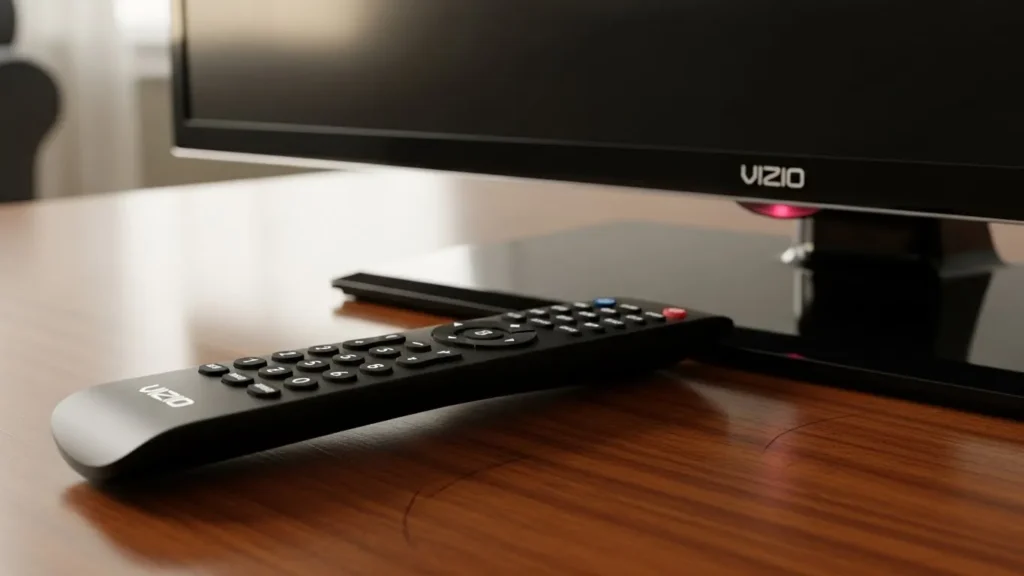
Universal remotes make it simple to control your Vizio TV without the original controller. These codes help pair the remote with the TV. They come in different lengths based on the remote model. Always check your remote’s manual for exact details.
What Are Vizio Universal Remote Codes?
These are specific numbers that let a universal remote operate a Vizio TV. Different remotes use codes of varying lengths, such as two, three, four, or five digits. You enter them during setup to link the devices. Codes depend on the remote brand and the TV model.
List of Common Codes by Length
Here are standard codes gathered from reliable places. Try them one by one until one works.
Two-Digit Codes
- 19
- 01
- 02
- 10
- 12
- 17
Three-Digit Codes
- 502
- 627
- 004
- 113
- 505
- 011
- 284
Four-Digit Codes
- 1758
- 0178
- 1756
- 0128
- 0117
- 1017
- 1078
- 0030
- 0056
- 0205
- 1292
- 1004
Five-Digit Codes
- 10178
- 10117
- 11756
- 01377
- 10885
- 10864
- 10120
- 11758
- 13758
Also Read: Sony TV Universal Remote Codes Guide (Updated 2026)
Codes for Specific Remote Brands
Some remotes have unique code sets. Use these if you know your remote’s make.
GE, Philips, and UltraPro Remotes
For CL3 models:
- 5631, 5561, 5611, 1471, 1741, 2021, 2901, 3651, 3741, 3851, 4081, 5571, 5581, 5591, 5601, 5621, 5641, 5651, 5661, 5671, 5681, 5691, 5701, 5711
For CL4 models:
- 5611, 5631, 5561, 6121, 6131, 6111, 5651, 5621, 5711
For CL5 and CL6 models (similar lists):
- 5631, 5611, 5561, 6471, 6511, 6121, 6131, 6111, 5651, 5621, 5711
RCA Remotes
- 11758, 13758, 14905, 35011, 40412, 80016, 20111, 14723, 12707, 12757, 12512, 11756
Spectrum Remotes
- 11758, 12707, 11756, 10864, 10885
Xfinity Comcast Remotes
- 11758, 11756, 12707, 10864, 10885, 12512
ONN Remotes
- 1758, 4905, 3758, 4723, 2707, 2757, 1756, 3415, 2512
Also Read: Program Byjasco Universal Remote: Codes and Setup
How to Program Your Universal Remote
Follow these steps to set up the remote. The process may vary slightly by model.
- Turn on your Vizio TV using its power button.
- On the universal remote, press and hold the TV button for about five seconds. The light should flash twice and stay on. Some remotes require pressing Setup first until a red light shows.
- Enter one of the codes from the list. The light will flash twice after each digit and turn off if the code is correct.
- Point the remote at the TV and press the power button. The TV should shut off. If it does, the setup worked. If not, try another code.
Fixing Common Problems
If the remote does not respond, try these fixes.
- Put in new batteries, even if the current ones seem fine.
- Make sure no items block the TV’s sensor, often in the bottom corner.
- Unplug the TV for a few seconds, then plug it back in and try again.
- Press every button on the remote to check for stuck ones.
- Note that some buttons, like channel changers, work only with certain inputs.
If issues continue, look at your remote’s guide or contact support.
This guide covers the basics to get your universal remote working with a Vizio TV. Test different codes patiently for the best match.
Also Read: Sony Universal Remote Codes 2025: Full Setup Guide


