

Lost your Sanyo remote? You don’t need to buy an original replacement. Any standard universal remote can control your Sanyo TV — you just need the right code.
This page has every working universal remote code for Sanyo TVs in 2026, organized by remote brand. Whether you’re using a GE, RCA, Philips, Comcast, DirecTV, or a generic universal remote, scroll to your brand and follow the steps below.
Not sure which code to try first? Use the Remote Code Finder tool to narrow it down by your remote model and TV brand in seconds.
What You Need Before You Start
- Your universal remote (any brand)
- Your Sanyo TV powered on
- The correct code from the list below
- Line of sight between the remote and the TV’s IR sensor (usually on the front bottom bezel)
Most universal remotes use either 4-digit or 5-digit codes. The tables below specify which applies to each brand.
Universal Remote Codes for Sanyo TV — Full List by Brand
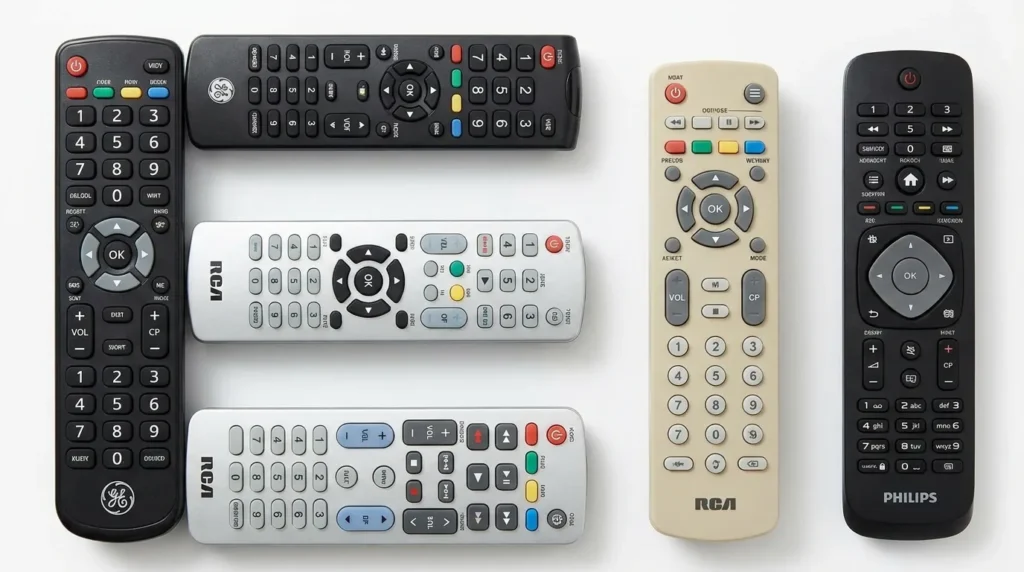
GE Universal Remote Codes for Sanyo TV
GE remotes use 4-digit codes. Try these in order. For full GE programming instructions, see the complete GE universal remote codes guide.
| Code | Digits |
|---|---|
| 0049 | 4-digit |
| 0074 | 4-digit |
| 0154 | 4-digit |
| 0208 | 4-digit |
| 0268 | 4-digit |
| 0290 | 4-digit |
| 0012 | 4-digit |
| 0108 | 4-digit |
RCA Universal Remote Codes for Sanyo TV
RCA remotes support both 4-digit and 5-digit codes depending on the model. The RCA universal remote codes page covers all models in detail.
| Code | Digits |
|---|---|
| 0049 | 4-digit |
| 0074 | 4-digit |
| 0268 | 4-digit |
| 11347 | 5-digit |
| 10154 | 5-digit |
| 10049 | 5-digit |
| 11447 | 5-digit |
| 10019 | 5-digit |
Philips Universal Remote Codes for Sanyo TV
Philips remotes typically use 4-digit codes. More Philips codes and setup steps are available on the Philips universal remote codes page.
| Code | Digits |
|---|---|
| 0049 | 4-digit |
| 0154 | 4-digit |
| 0208 | 4-digit |
| 0056 | 4-digit |
| 0268 | 4-digit |
| 0012 | 4-digit |
Comcast Xfinity Remote Codes for Sanyo TV
Xfinity XR2, XR5, XR11, and XR15 remotes all use 5-digit codes. For the full Comcast setup process, visit the Comcast Xfinity universal remote codes guide.
| Code | Digits |
|---|---|
| 11347 | 5-digit |
| 10154 | 5-digit |
| 10049 | 5-digit |
| 11447 | 5-digit |
| 12049 | 5-digit |
| 10019 | 5-digit |
DirecTV Remote Codes for Sanyo TV
| Code | Digits |
|---|---|
| 10154 | 5-digit |
| 10049 | 5-digit |
| 11347 | 5-digit |
| 10019 | 5-digit |
| 11447 | 5-digit |
Dish Network Remote Codes for Sanyo TV
| Code | Digits |
|---|---|
| 505 | 3-digit |
| 627 | 3-digit |
| 535 | 3-digit |
| 720 | 3-digit |
| 722 | 3-digit |
Cox Remote Codes for Sanyo TV
| Code | Digits |
|---|---|
| 11347 | 5-digit |
| 10154 | 5-digit |
| 10049 | 5-digit |
| 10019 | 5-digit |
Charter / Spectrum Remote Codes for Sanyo TV
Spectrum remotes use 5-digit codes. Full instructions for Spectrum remotes are on the Spectrum universal remote codes page.
| Code | Digits |
|---|---|
| 11347 | 5-digit |
| 10154 | 5-digit |
| 10049 | 5-digit |
| 12049 | 5-digit |
| 11447 | 5-digit |
One For All Remote Codes for Sanyo TV
One For All remotes support an extended code library. The full list is available on the One For All universal remote codes page.
| Code | Digits |
|---|---|
| 0049 | 4-digit |
| 0154 | 4-digit |
| 0208 | 4-digit |
| 0268 | 4-digit |
| 0056 | 4-digit |
Chunghop / Generic Universal Remote Codes for Sanyo TV
| Code | Digits |
|---|---|
| 0049 | 4-digit |
| 0154 | 4-digit |
| 0268 | 4-digit |
| 0208 | 4-digit |
| 0012 | 4-digit |
| 0290 | 4-digit |
How to Program a Universal Remote to Your Sanyo TV
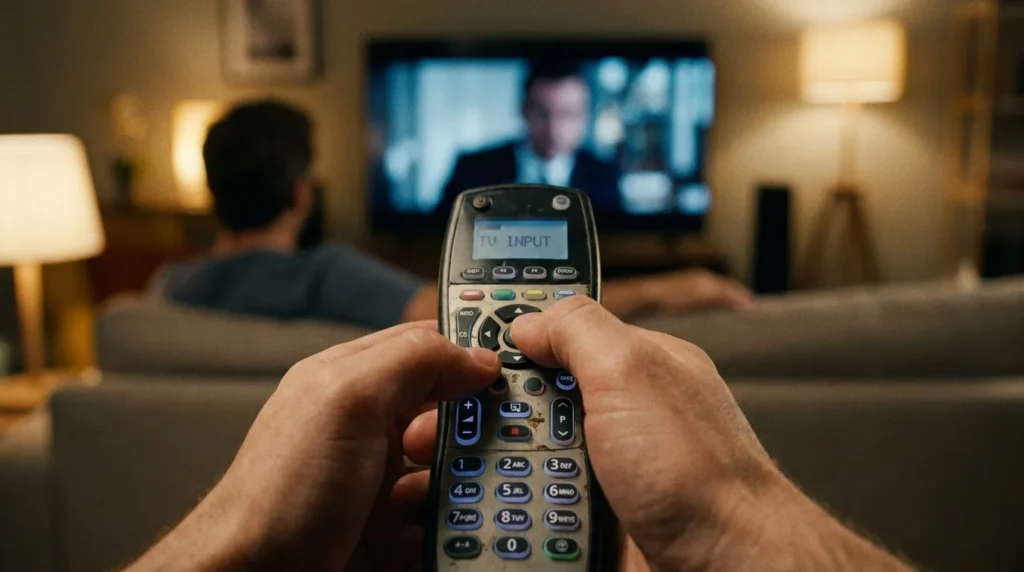
Method 1 — Manual Code Entry (Most Reliable)
This works on GE, RCA, Philips, One For All, and most generic universals.
- Turn on your Sanyo TV manually using the power button on the TV itself.
- Press and hold the Setup button on your remote until the LED blinks twice.
- Enter the TV brand code — type SANyo or select TV mode first if prompted.
- Enter your 4-digit or 5-digit code from the list above.
- Point the remote at the TV and press Power.
- If the TV turns off, the code works. Press Setup or Enter to save it.
- If the TV doesn’t respond, repeat from step 2 with the next code on the list.
Method 2 — Auto Search / Code Scan
Use this if you’ve tried multiple codes manually and nothing worked.
- Turn your Sanyo TV on.
- Press and hold Setup until the LED blinks twice.
- Press 9 9 1 (or 9 9 4 on some models) — the LED blinks once.
- Press Power repeatedly, once every 3 seconds, pointing at the TV each time.
- When the TV turns off, stop pressing.
- Press Setup or Enter to lock in that code.
The remote is now scanning through its code library. This can take 30–90 seconds depending on how many codes it cycles through.
Method 3 — Direct Code Entry for Cable/Satellite Remotes
Xfinity, DirecTV, and Dish remotes use a slightly different process.
For Xfinity XR remotes:
- Press and hold Setup until the LED changes from red to green.
- Enter your 5-digit Sanyo code.
- The LED blinks green twice if the code is accepted.
- Test all buttons — volume, power, input.
For DirecTV Genie remotes:
- Press Menu → Settings → Remote Control → Program Remote.
- Select TV and follow the on-screen pairing wizard.
- Enter your 5-digit code when prompted.
For Dish remotes:
- Press and hold TV until all mode buttons light up.
- Press TV again.
- Enter your 3-digit code.
- Press the pound (#) key.
Codes Not Working? Try This
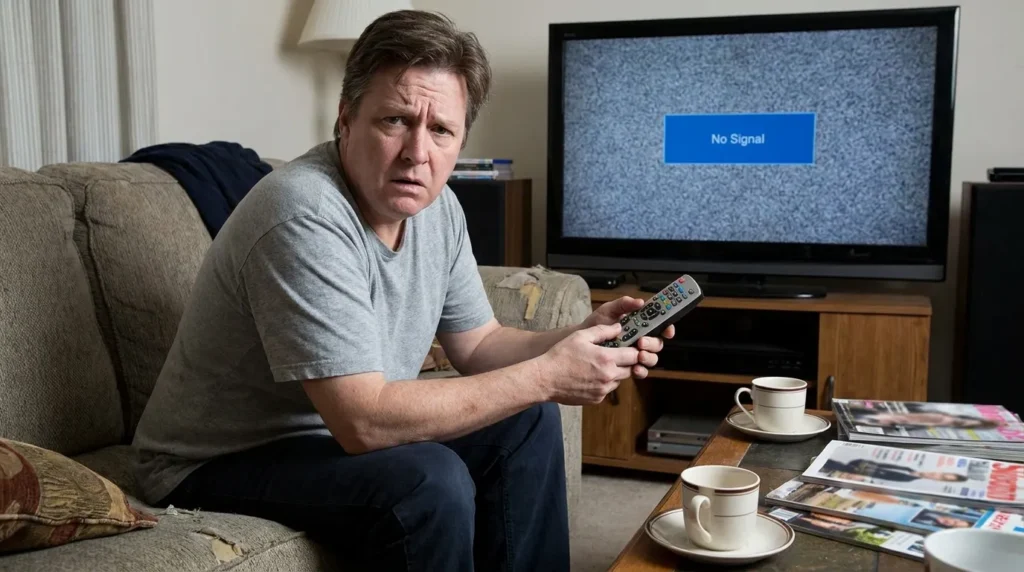
Not every code works on every Sanyo model. Here’s why it fails and what to do.
If you’re running into deeper technical errors on your TV, the TV Error Code Lookup tool can help identify what’s wrong beyond just the remote.
Common Reasons Codes Fail
- Wrong digit format — You used a 4-digit code on a remote that needs 5 digits, or vice versa. Double-check which format your remote model uses.
- Dead or weak batteries — A remote with low batteries often sends incomplete IR signals. The TV receives part of the code and ignores it. Replace batteries first.
- IR sensor blocked — Something is sitting in front of the TV’s IR sensor. Clear the bottom bezel area.
- Sanyo model uses a non-standard IR protocol — Some older Sanyo models (pre-2010) used a different IR frequency. Try auto-search in this case.
- Remote not in TV mode — Some universals require you to press the TV button before entering a code. Skip this and the code registers to the wrong device.
Tips to Get It Working
- Try every code in the list — don’t stop at the first failure.
- Use auto-search if manual entry doesn’t work after 5–6 codes.
- Test the remote’s IR blaster by pointing it at your phone camera and pressing any button. You’ll see a faint white flash if the IR is working.
- If your remote has a compatibility check tool, use it to verify your remote model supports Sanyo.
When to Consider a Replacement Remote
If you’ve tried every code in this list and the auto-search method still fails, the universal remote you have may not carry Sanyo’s IR codes in its database. This is more common with off-brand or very old generic remotes.
At that point, a purpose-built universal remote is the faster fix. Models like the GE 4-Device Universal Remote or the Chunghop RM-133E cover Sanyo’s full code range and cost under $15. You can also check whether a Sanyo universal remote is available for your specific model.
A universal TV remote compatible with Sanyo TVs is worth picking up if your original remote is gone for good — it eliminates the code-search step entirely.
Frequently Asked Questions
What is the universal remote code for Sanyo TV? The most commonly working codes for Sanyo TV are 0049, 0154, and 11347 (5-digit). Start with 0049 on GE and RCA remotes, and 11347 on Xfinity and DirecTV remotes.
Why won’t my universal remote work with my Sanyo TV? The most common causes are wrong code format (4-digit vs 5-digit), weak batteries, or the IR sensor being blocked. Try the auto-search method if manual codes fail. Use the universal remote compatibility check to confirm your remote supports Sanyo.
Does Comcast Xfinity remote work with Sanyo TV? Yes. Xfinity XR2, XR5, XR11, and XR15 remotes all support Sanyo TVs. Use 5-digit code 11347 or 10154 first.
What is the Dish Network code for Sanyo TV? Dish remotes use 3-digit codes. Try 505, 627, or 535 for Sanyo TVs.
Can I program a DirecTV remote to a Sanyo TV? Yes. Use 5-digit code 10154 or 11347. Access the setup through Menu → Settings → Remote Control on your DirecTV Genie box.
My Sanyo TV is old — will universal remote codes still work? Yes, in most cases. Sanyo TVs manufactured between 2000 and 2020 use standard IR protocols supported by most universal remotes. For pre-2000 models, the auto-search method is more reliable than manual code entry.
What if none of the codes work? Try the auto-scan method described above. If that also fails, your universal remote’s code library may not include Sanyo. Consider a replacement remote or check the Remote Code Finder tool for model-specific matches.
Final Note
Most Sanyo TVs respond to code 0049 or 0154 on standard universal remotes. For cable and satellite remotes, 11347 works on the majority of Sanyo models from 2005 onward. Start there, and work through the list only if the first attempt fails.
Programming takes under 3 minutes once you have the right code. If you’re also setting up other TVs in your home, the guides for Hisense TV remote codes and LG TV universal remote codes follow the same process.


