

Internet Protocol Television, or IPTV, delivers TV content over the internet. It works well on devices like the Amazon Fire TV Stick. This setup lets users stream live channels and on-demand shows without traditional cable. Firestick users often pick IPTV for its low cost and wide range of options. Many apps support high-quality streams, but a strong internet connection helps avoid issues. Always consider local laws when using these services.
In this guide, we cover 11 solid choices for IPTV on Firestick. The list includes free official apps, paid services, and some unofficial options. We based picks on channel count, user interface, and device fit. Free apps often have ads, while paid ones offer more premium content. Unofficial apps may need sideloading and a VPN for safety.
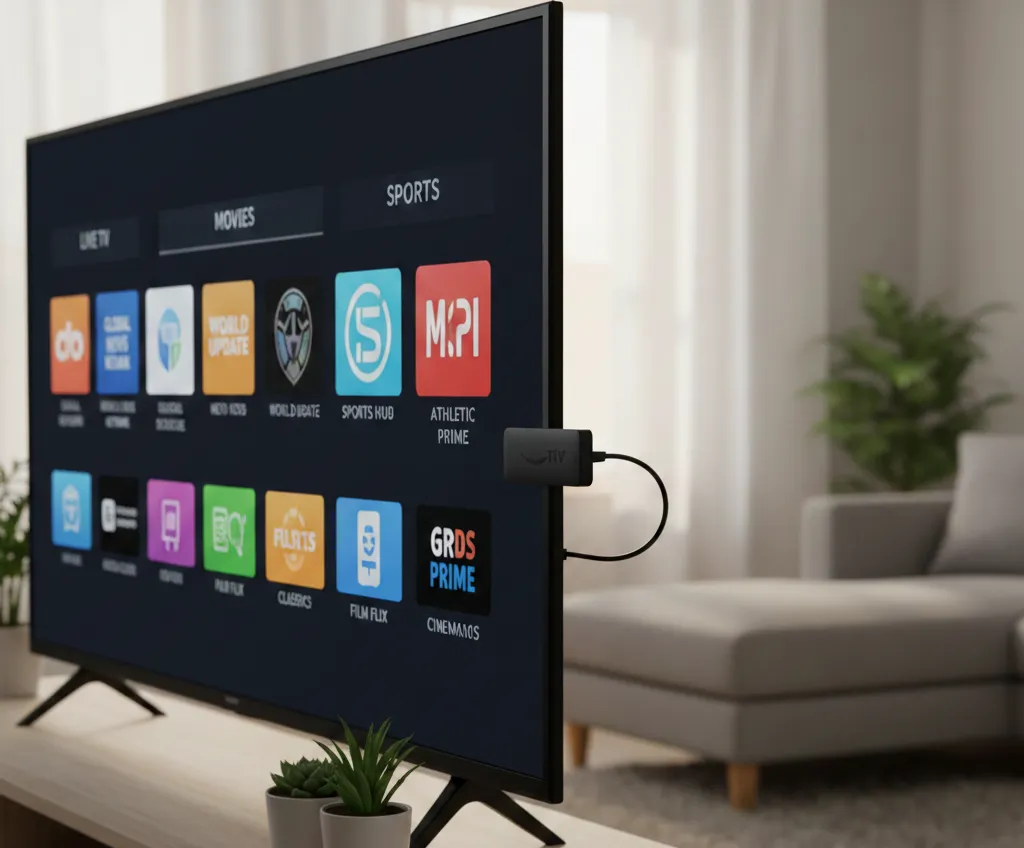
Official Free IPTV Apps
These apps come from the Amazon App Store. No sideloading required. They provide live TV with ads.
1. Plex TV
Plex offers more than 600 live channels across categories like news, finance, and history. Users can build a personal media library too. It supports many regions and includes some on-demand titles.
Pros: High channel variety for free; easy to set up personal collections; available worldwide.
Cons: Limited fresh on-demand shows.
Pricing: Free, with optional paid upgrades for new content.
Key features: Integrates live TV with user-uploaded files; program guide included.
2. Pluto TV
Pluto provides over 250 channels for movies, sports, news, and comedy. It mimics traditional TV with scheduled programs. Users can mark favorites and pick up watching on other devices.
Pros: Solid channel selection; simple to browse; no sign-up needed.
Cons: Ads appear often during shows.
Pricing: Free.
Key features: Channel guide for easy flipping; on-demand sections available.
3. Tubi
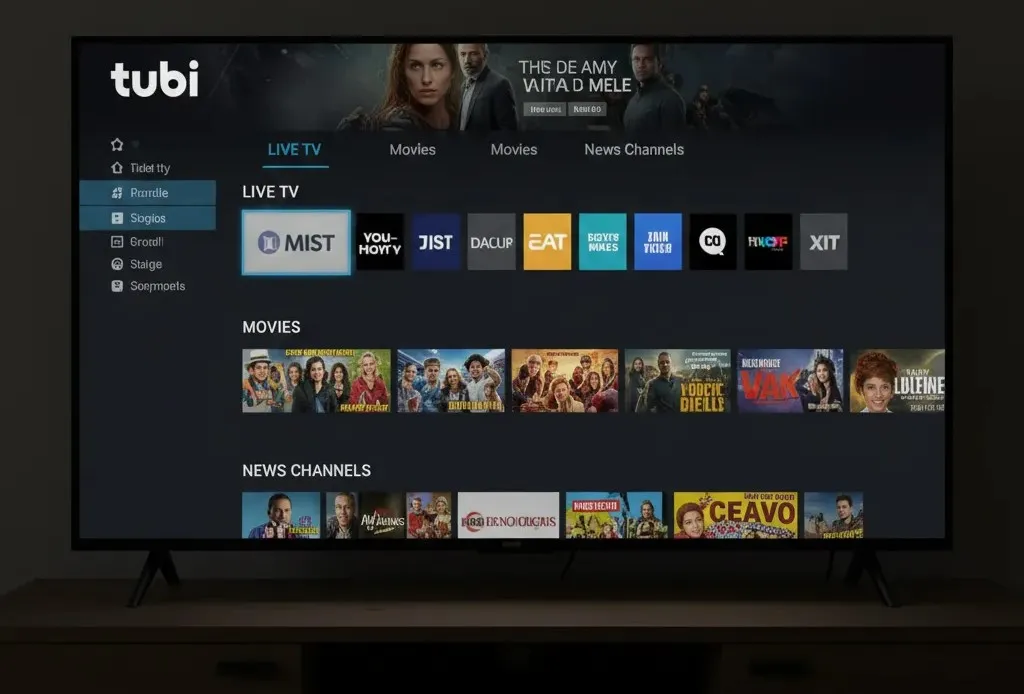
Tubi focuses on on-demand movies and shows but adds live TV, including local stations. It covers entertainment, news, and more. No account required to start.
Pros: Good mix of live and on-demand; includes local channels; clean playback.
Cons: Interface feels basic.
Pricing: Free.
Key features: HD options for many channels; categories like kids and anime.
4. Freevee
Freevee, once IMDb TV, has over 400 channels from sources like Warner Bros. and CNN. It includes Amazon original shows and movies.
Pros: Access to quality originals; channel list keeps growing.
Cons: Ads every few minutes; clunky navigation.
Pricing: Free.
Key features: Live news and entertainment; easy install from app store.
5. Sling Freestream
Sling Freestream delivers 500 channels for sports, news, and old shows. It works in the U.S. with a VPN for other areas.
Pros: Wide channel balance; includes classic content.
Cons: Some delay in live feeds.
Pricing: Free.
Key features: Ad-supported; no extra hardware needed.
Also Read: How to Update Kodi on Amazon Firestick
Paid IPTV Services
These require a subscription. They offer premium channels and better quality.
6. YouTube TV
YouTube TV streams over 100 channels, strong for sports like NBA and NFL. It allows three streams at once.
Pros: Unlimited DVR storage; good for major leagues; multi-device use.
Cons: Fewer regional sports options.
Pricing: Paid monthly plan.
Key features: Cloud DVR keeps recordings long-term; program guide.
7. Hulu + Live TV
Hulu bundles nearly 100 channels with Disney and ESPN content. It supports two streams.
Pros: Includes Disney library; DVR holds for months.
Cons: Higher cost than some rivals.
Pricing: Monthly fee, more than YouTube TV.
Key features: Live and on-demand mix; sports and entertainment focus.
8. FuboTV
FuboTV has over 250 channels, including major networks and sports. It supports 4K and up to ten streams.
Pros: Excellent for sports coverage; high stream count.
Cons: DVR not as strong.
Pricing: Around $80 to $100 per month, based on plan.
Key features: National and regional channels; 4K for select events.
9. Philo
Philo targets entertainment with channels like MTV and BBC. It’s budget-friendly.
Pros: Low price; good for shows and series.
Cons: Limited sports and news; short DVR window.
Pricing: $28 per month.
Key features: 30-day DVR; focus on lifestyle content.
Also Read: Firestick Remote Won’t Pair? Here’s How to Fix It
Unofficial IPTV Apps
These often need sideloading. They may not have full licenses. Use a VPN and check reviews.
10. StreamFire
StreamFire is a new app for live TV. It has over 180 channels in news, sports, and movies.
Pros: No ads; smooth playback; simple design.
Cons: Limited international choices; early version may have bugs.
Pricing: Free.
Key features: Favorites list; one-click play; HD options.
11. LiveNet TV
LiveNet TV offers more than 800 channels worldwide. Categories include sports, news, and kids.
Pros: Global variety; daily updates; Chromecast support.
Cons: Needs external player sometimes.
Pricing: Free.
Key features: No registration; channel requests possible; notifications for new content.
Tips for Using IPTV on Firestick
To get started, install apps from the Amazon store for official ones. For unofficial, enable developer options and use Downloader for APKs. A VPN hides your activity and unlocks geo-blocked content. Test internet speed for HD streams. Pick apps based on your needs, like sports or news. Free options suit casual viewers, while paid deliver reliable quality.
Also Read: How to Connect Firestick to WiFi Without Remote: Easy Methods
FAQs
What makes a good IPTV app? Look for channel numbers, low buffering, and easy controls.
Are free IPTV apps legal? Many are, but check content sources.
Does Firestick handle IPTV well? Yes, with good Wi-Fi.
This covers key options for 2026. Choose what fits your viewing habits.



No light coming on