

Lost your Hitachi remote? The most common 4-digit universal remote codes for Hitachi TVs are 1004, 1009, 1010, 1013, and 1053. These work with the majority of standard universal remotes. If those don’t work, this page has every 3-digit, 4-digit, and 5-digit code available — organized by remote brand — plus step-by-step programming instructions.
Hitachi TV Remote Codes by Digit Count
Your universal remote uses one digit format. Check the manual or the label on the back of the remote to confirm whether it accepts 3, 4, or 5-digit codes.
3-Digit Codes for Hitachi TV
These work with older universal remotes and some cable remotes:
006, 011, 019, 020, 021, 023, 027, 035, 037, 038, 039, 045, 047, 054, 056, 060, 063, 075, 077, 085, 095, 105, 123, 127, 135, 145, 151, 158, 163, 165, 166, 172, 178, 190, 212, 225, 244, 387
4-Digit Codes for Hitachi TV
These are the most widely used codes. Try them in order, starting from the top.
Hitachi TV (Standard): 1004, 1009, 1010, 1011, 1012, 1013, 1051, 1052, 1053, 1057, 1058, 1065, 1078, 1083, 1084, 1086, 1087, 1102, 1113, 1114, 1115, 1128, 1173, 1225, 1384
Hitachi HDTV: 1030, 1132, 1133, 1134, 1191, 1208, 1209, 1210, 1211, 1212, 1226
Hitachi DVD: 2000, 2027, 2126, 2173, 2240
Hitachi VCR: 3052, 3055, 3117, 3169
Hitachi Amplifier / Receiver: 6034
5-Digit Codes for Hitachi TV
Newer remotes — especially Comcast XR, DirecTV Genie, and updated GE models — use 5-digit codes:
10145, 10151, 11145, 11960
If your remote is a newer GE CL4 or CLx series model, use these 5-digit codes before trying the 4-digit list.
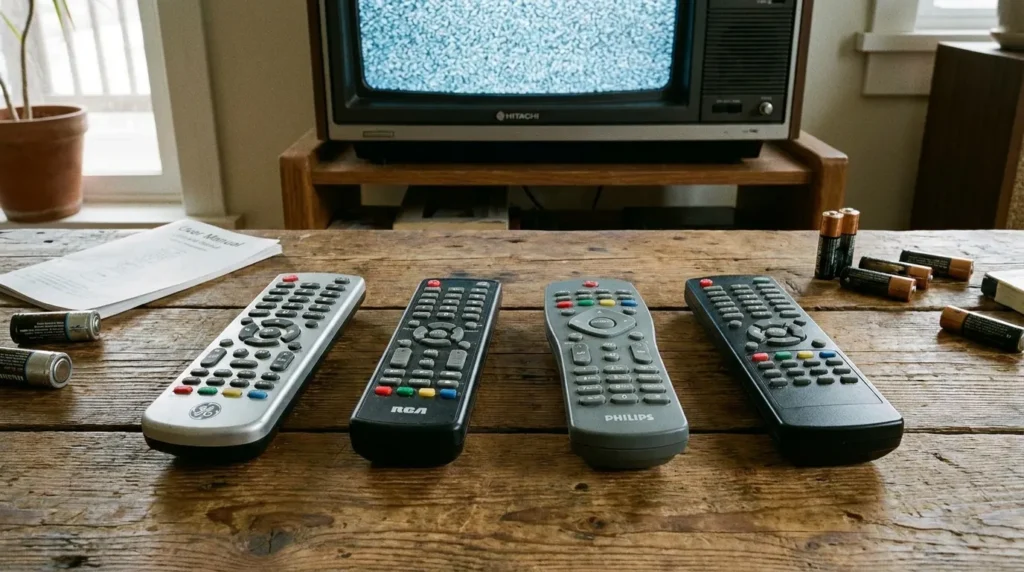
Hitachi TV Codes by Remote Brand
Not all universal remotes use the same codes, even for the same TV. Find your remote brand below.
GE Universal Remote Codes for Hitachi TV
3-digit (older GE remotes): 006, 011, 037, 056, 063, 085
4-digit (GE V3/V5/CLx): 1004, 1009, 1010, 1013, 1053, 1057, 1083, 1113
5-digit (GE CL4, newer): 10145, 10151, 11145, 11960
GE remotes use different code versions depending on the model year. If your GE remote was made after 2016, start with the 5-digit codes. For full GE universal remote codes covering other TV brands, see our dedicated guide.
RCA Universal Remote Codes for Hitachi TV
3-digit: 011, 019, 037, 056, 060, 077, 085, 095
4-digit: 1004, 1009, 1012, 1051, 1052, 1083, 1084, 1086, 1225
5-digit: 10145, 10151, 11145
RCA remotes typically respond well to code 1004 or 1009 on Hitachi sets. If you’re setting up an RCA remote for other devices too, our full RCA universal remote codes guide has a complete brand list.
Comcast Xfinity Remote Codes for Hitachi TV
4-digit: 1004, 1009, 1010, 1053, 1113, 1225
5-digit (XR2, XR5, XR11): 10145, 11145, 11960
Comcast XR remotes often pair via auto-search rather than manual code entry. If the code method doesn’t work, try the auto-search steps in the section below. You can also find a broader Comcast Xfinity universal remote codes list on our site.
DirecTV Remote Codes for Hitachi TV
5-digit (DirecTV Genie and standard): 10145, 10151, 11145, 11960
DirecTV remotes use 5-digit codes only. Enter them in programming mode using the Slide button or the red button at the top of the remote, depending on your model.
Dish Network Remote Codes for Hitachi TV
3-digit: 505, 627
4-digit: 1004, 1009, 1010, 1057, 1083
Dish Network remotes are paired through a guided on-screen setup. If Dish’s phone support gave you codes that didn’t work, try 1004 or 1009 manually using the steps below — these cover most Hitachi models made in the past 15 years.
Spectrum Remote Codes for Hitachi TV
4-digit: 1004, 1009, 1010, 1052, 1083, 1113, 1225
5-digit: 10145, 11145
Spectrum remotes work with most Hitachi TVs using code 1004 or 10145. For other TV brands on Spectrum, see the full Spectrum universal remote codes page.
Philips Universal Remote Codes for Hitachi TV
4-digit: 1004, 1009, 1013, 1053, 1057, 1083, 1113, 1128
5-digit: 10145, 10151, 11145
Philips remotes use a slightly different entry method — the Setup button is held until the LED blinks twice before entering the code. Full instructions and codes for other brands are in our Philips universal remote codes guide.
One For All Remote Codes for Hitachi TV
4-digit: 1004, 1009, 1010, 1053, 1083, 1113, 1225
5-digit: 10145, 11145, 11960
One For All remotes use the Magic button for setup on most models. The URC7955 and similar models also support auto-search. Our One For All universal remote codes page has full setup instructions for each model series.
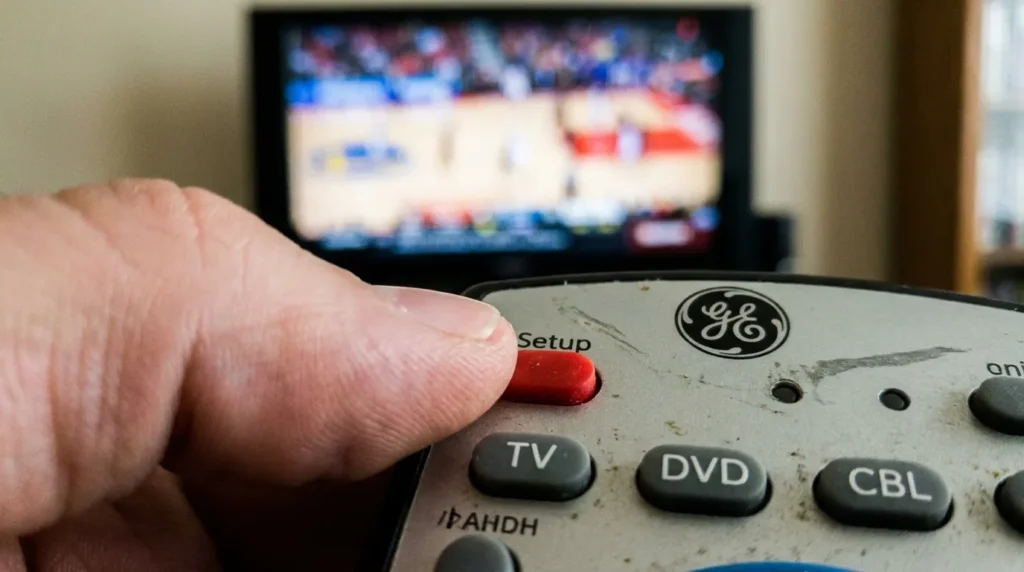
How to Program a Universal Remote to a Hitachi TV
Manual Code Entry — Step by Step
This method works with virtually every universal remote that accepts manual code entry.
- Turn on your Hitachi TV manually using the power button on the TV.
- Point the remote at the TV. Stay within 10 feet.
- Press and hold the Setup button (some remotes use “Code Search” or “Program”) until the LED light blinks twice or stays solid.
- Press the TV button on the remote. The LED should blink once to confirm.
- Enter one of the 4-digit Hitachi codes from the list above. Start with 1004.
- Press the Power button. If the TV turns off, the code worked. Press “Enter” or “OK” to save it.
- If the TV didn’t turn off, try the next code on the list. Repeat from Step 5.
- Once the TV turns off, press Power again to turn it back on and confirm all buttons respond correctly.
Not sure which buttons do what on your remote? The Remote Control Button Explainer tool can help you identify every key on common universal remotes.
Auto-Search / Code Scan Method
Use this when you don’t know which code to try, or when all manual codes have failed.
- Turn on your Hitachi TV with the TV’s own power button.
- Hold the Setup button on the universal remote until the LED blinks twice.
- Press the TV button once.
- Press the Power button repeatedly — one press at a time, with a 1–2 second pause between each press.
- The remote will cycle through codes automatically. When the TV turns off, stop immediately.
- Press “Enter” or “OK” to lock in the code.
The auto-search method scans through hundreds of codes in sequence. It’s slower than manual entry but works even when the code list doesn’t include your exact model.
Not sure if your remote is compatible with your Hitachi TV? Try the Universal Remote Compatibility Check tool before buying a new one.
Hitachi Roku TV — Remote Pairing Note
If you own a Hitachi Roku TV (such as the model 50R5 or the 5510X series), standard universal remote codes will not give you full control. Roku TVs use a proprietary interface — a universal remote can turn the TV on and off and adjust volume, but it won’t navigate the Roku home screen or launch apps.
For full control of a Hitachi Roku TV, you need:
- The official Hitachi Roku TV remote
- The free Roku mobile app (iOS or Android)
- A Roku-compatible universal remote that supports IR and SimpleLink
The Roku mobile app is the fastest replacement if your original remote is lost. It connects over Wi-Fi and gives you full access to all Roku menus.
What to Do When No Code Works
If you’ve tried every code on this list and the auto-search method didn’t find a match, here are the most likely reasons and fixes:
The remote isn’t in programming mode correctly. The LED must blink twice (or stay solid) before you enter the code. If it blinks once and goes out, the mode wasn’t activated. Start over.
You’re using the wrong digit format. A remote that accepts 4-digit codes won’t respond to 5-digit entries. Confirm your remote’s format in the manual.
The Hitachi model is too old or too new. Very old Hitachi CRT sets and very recent Hitachi sets sold under third-party licenses (like Roku TV) have limited compatibility with standard universal remotes.
The remote itself is faulty. Test the remote on a different TV first. If it doesn’t program to anything, the remote may need to be replaced.
If you’re still stuck, use the TV Error Code Lookup tool or the Remote Code Finder tool to search by TV model number directly.
Looking for codes for a different TV brand? We have guides for Hisense TV remote codes, Samsung TV remote codes, and LG TV universal remote codes as well.
Final Notes
Every code on this page is confirmed across manufacturer documentation and community-verified sources. Code 1004 works for more Hitachi TV models than any other single entry — start there when you’re unsure. If your remote takes 5-digit codes, start with 10145. For auto-programming remotes like Comcast XR11 or DirecTV Genie, use the auto-search method first.
If you get a new universal remote down the road, bookmark this page. Hitachi’s product line hasn’t changed significantly since the brand shifted to third-party licensing, so these codes remain accurate for all Hitachi TVs sold under the brand name through 2026.


